

I'm using nRF Connect for Desktop on Linux and updated today to v5.3.0.
I have J-Link V9.24a installed and it is available in $PATH. Also it works well with Programmer v4.7.4, current nrfutil and all other software from Nordic.
However I am not using Debian-like distro and I get annoying message "Install SEGGER J-Link" at every startup:
nRF Connect for Desktop requires SEGGER J-Link. The recommended version v9.24a is available for installation. Click "Install" to start.
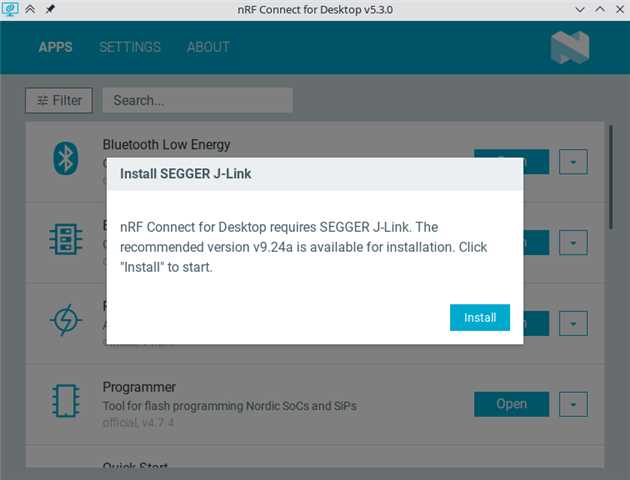
As you can see on the screenshot I can't do anything but click on "Install". This opens super user authentication window which I click "Cancel" on, then the process fails with error message in another window and only then I can use the app normally. This is a bit cumbersome way to open the application.
Ideally this process should look for J-Link in PATH and don't suggest installation if it finds correct J-Link version. Also the initial window could have close button for quick cancellation.
I think the former worked in previous version because I used to see warnings about outdated J-Link after nRF Connect for Desktop updates.

