Hello,
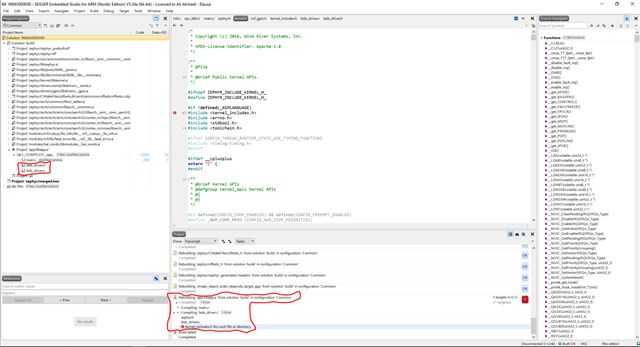
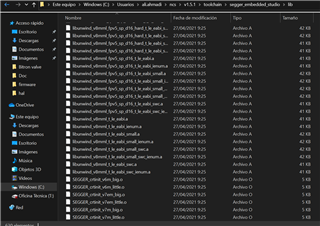
I made a new project at SEGGER for nRF5340 and in the first step before do any development I face with the attached error! The file it asked doesn´t exist !!
Could you please guide me.
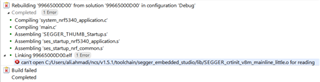
Hello,
I made a new project at SEGGER for nRF5340 and in the first step before do any development I face with the attached error! The file it asked doesn´t exist !!
Could you please guide me.

Have you added your files to the target sources in the CMakeLists.txt file, as described under CMake Details in the Application Development guide?
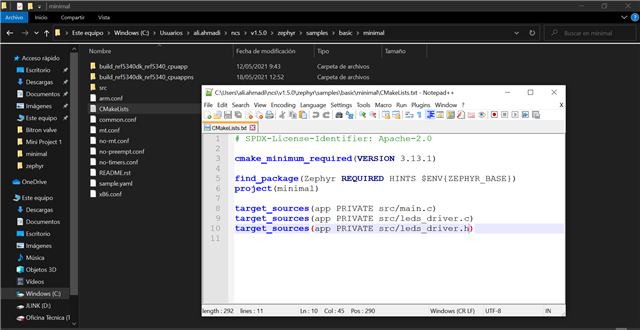
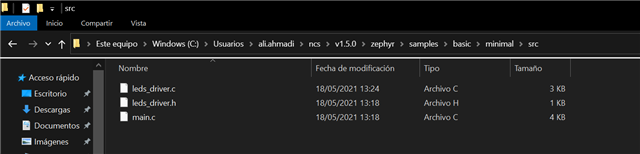
I added my files to CMakeLists.txt of the project location and follower by add them in the project explorer and rebuild the project and I faced the errors the same as before. After I added my own files, the libraries of Zephyr lose their location address !! . I attached all of the processes as photos. 


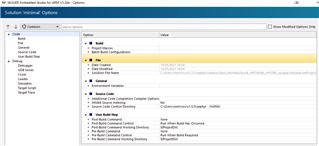
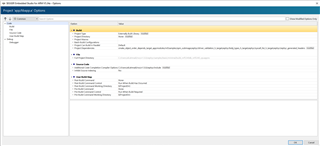
Ok, can you go to the options of your project, and show me the options under "Code"? It should look like this:

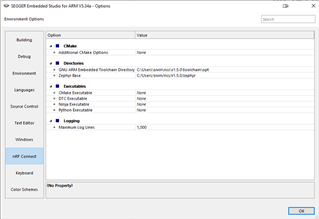
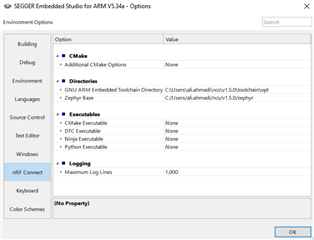
It could also be useful to see the options under Tools->Options->nRF Connect. Those should look like this:

I attached the screenshots.


Are you using "open nRF connect SDK project", and enabling "clean build directory"? If not, can you try that now that you've added the files to the CMakeLists.txt?
You can use the "..." next to the project drop-down to select any project folder, not just default samples. For example if you copy a sample, and change its name.
Then the changes you made to the CMakeLists.txt should let it find your files. You can look at the CMakeLists.txt of larger samples to see how they easily include a large amount of files.