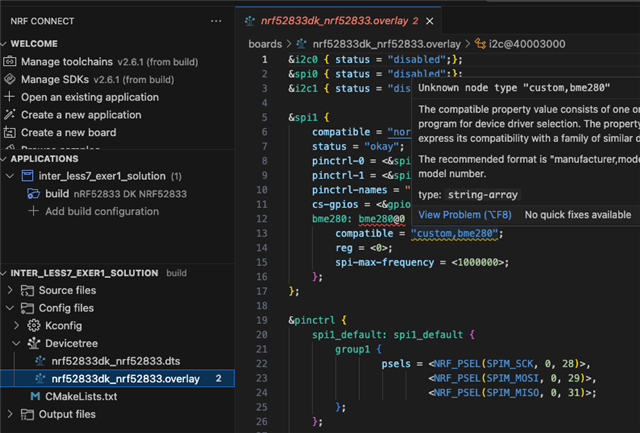
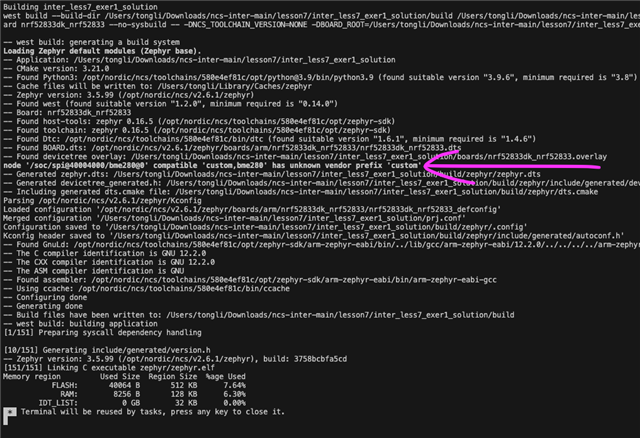
I have not messed around with devicetree much before this point. I'm trying to create a custom dts and bindings for my device. Within my custom dts file, I reference the nRF52833 SOC and create a spi-device for the first CS pin.
&spi0 {
	status = "okay";
	pinctrl-0 = <&spi0_default>;
	pinctrl-1 = <&spi0_sleep>;
	pinctrl-names = "default", "sleep";
	cs-gpios = <&gpio0 2 GPIO_ACTIVE_LOW>, <&gpio0 3 GPIO_ACTIVE_LOW>, <&gpio0 4 GPIO_ACTIVE_LOW>, <&gpio0 19 GPIO_ACTIVE_LOW>;

	spi-device@0 {
		reg = <0>;
		compatible = "maxim,max1415";
		spi-max-frequency = <8000000>;
		reset-gpio = <&gpio0 23 GPIO_ACTIVE_LOW>;

	};
};
My maxim,max1415.yaml is located within the dts/bindings directory under application root as specified in zephyr documentation.
description:
  ADC, Delta-Sigma, 16-Bit, 1 Func, 2 Channel, Serial Access, BICMOS, PDSO16

include: spi-device.yaml

compatible: "maxim,max1415"

properties:
  reset-gpio:
    description: Device reset pin
    type: phandle-array
    required: true
    specifier-space: gpio
on-bus: spi
VSCode does not recognize and show the node type nor the reset-gpio description.
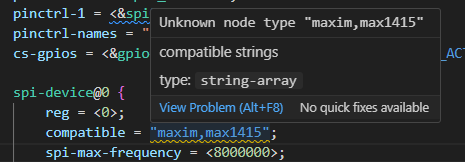
Although building the application is fine, I feel like without the hover feature, there is no point in having two separate files for hardware description as I'm switching between them anyway. How can I configure this feature?