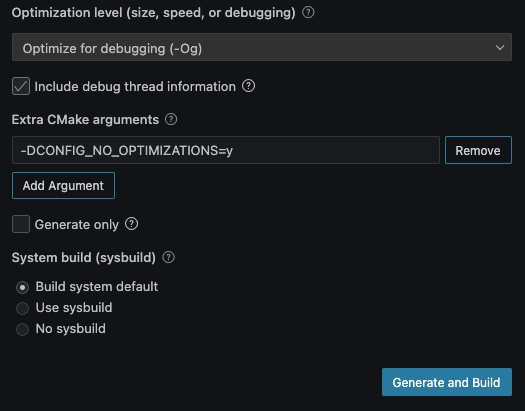
When debugging the exercise 1 application from `Lesson 2 – Reading buttons and controlling LEDs` of `nRF Connect SDK Fundamentals`, I cannot set a breakpoint wherever I want.
Somehow it is either not picked up or it gets picked the line below.
However, if I debug step by step from the beginning, it can stop on all lines.
In this code:
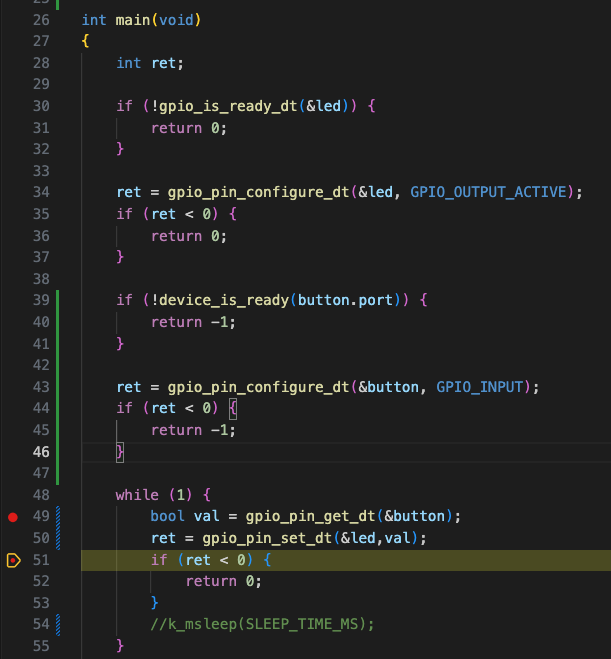
The 2 lines below get ignored, I cannot break on them:

I am setting CONFIG_DEBUG_OPTIMIZATIONS by selecting:

However, it seems not sufficient as there are probably some optimisations that are made on the code.
I remember when debugging on nRF52, I had to set:
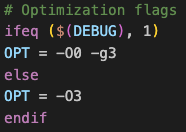
so `-O0 -g3` flags in order to propely debug and I think I need to also enable `CONFIG_NO_OPTIMIZATIONS` but I can't override its value together with `CONFIG_DEBUG_OPTIMIZATIONS`.
Another issue I see is if I put a breakpoint here just before starting to debug:
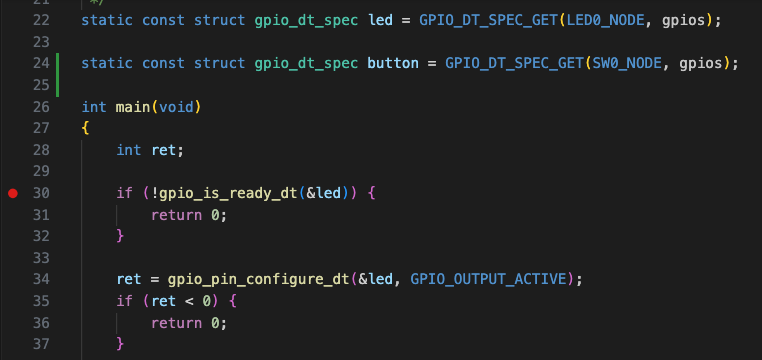
I get the debugger to stop here:
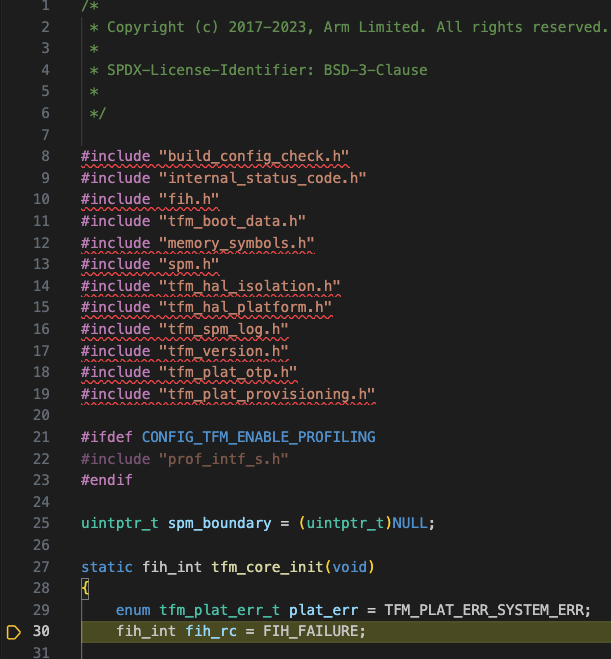
Any hints?