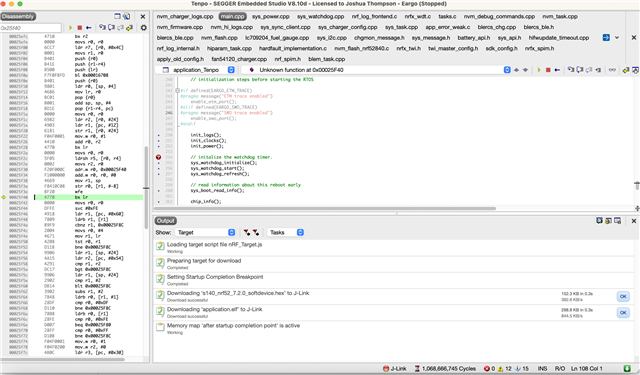
Running NRF52840 mcu core on custom board using 17.1 SDK
1. Use the nRF Connect Mobile app to connect to our device over BLE
2. Run the dfu uploader to update FW from 0.16 to 0.17 version (for example)
3. Update success and the new Firmware runs fine / as expected
4. But, when we connect our J-Trace to the board and try to run the Segger Studio debugger it starts but does not let us click triangle / go button. It's already running and when we press pause it's in a unknown function
5. If we don't do a DFU upload then Segger Studio runs fine even after flashing new firmware from 0.16 to 0.17 using Segger Studio
this is what we see when we try to do 'Debug -> Go'
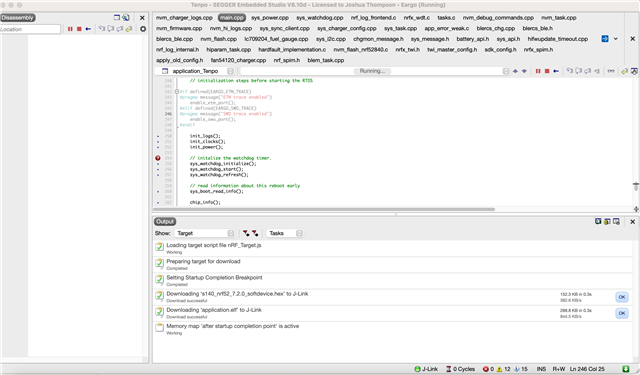
after pressing pause this is what we see