nPM PowerUp npm1300 Evaluation kit buck on/off control question

Hello,

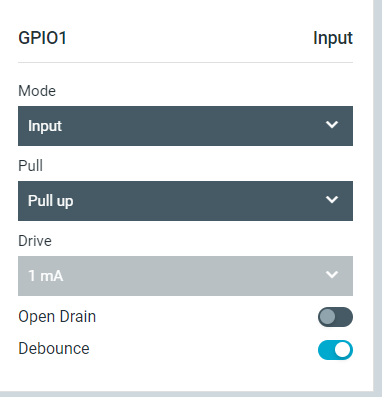
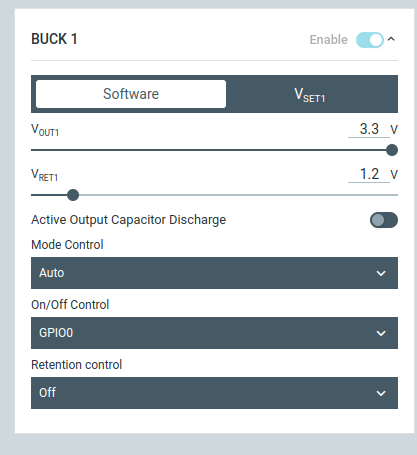
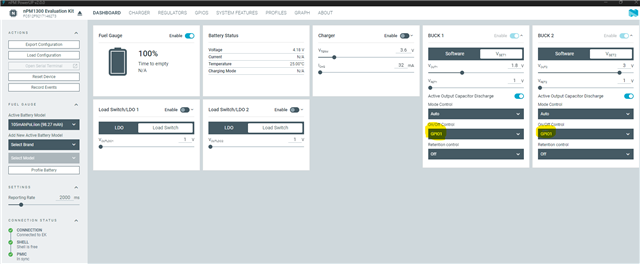
I am using the nPM PowerUp application with the npm1300 Evaluation kit. I am trying to configure the bucks (1 and 2) to be on/off controlled by one of the buttons on the eval board that connect to the GPIOs of the npm1300. However, upon setting this in the nPM PowerUP app and pressing the button on the eval board, the buck output remains on. 
Parents Reply Children
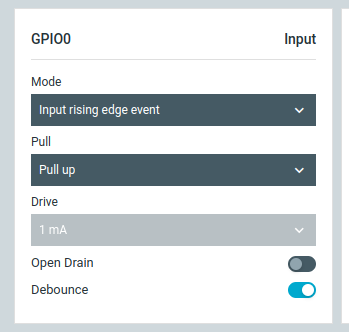
  • I am facing the same problem as the original author. Even when I set the GPIO to "Input rising edge event" or "Input falling edge event", the buck regulator that I link it to stays off only for the duration of the pressing of the button.

    With this configuration I would have expected the buck converter to switch states upon each pressing the button. First press -> on, second press -> off. (or vice versa)


    That however is not the case. As soon as I switch "On/Off Control" from "Software" to "GPIO0", the buck turns on. If I then press GPIO0 and hold it, BUCK 1 turns off until I release GPIO0 again.

    How can I achieve this "clicking event" behavior?

Related