I'm having 52840-DK boards 3 and installed vscode,nrfsdk v2.2.0 and v2.8.0. i want to explore how to use FOTA for zigbee. are there any sample available to make it work and explore.
Hi,
Please use NCS v2.9.0 and install Zigbee R23 add-on. You can start from the Zigbee: Light switch, which supports Zigbee FOTA for nRF52840.
Regards,
Amanda H.
Can you please help me with procedure,how can we make the sample work for FOTA. i seen light_switch code alone has FOTA implementation. what about the server. which sample we can use as server,or we need to make any modifications? it will be great help,if you can give little more procedure of this. for example if i flash light_switch example in one nrf52840-dk board, what about other board.
You can install nRF Util and refer to the DFU over Zigbee section for more information.
I’m trying to use the host tool for Zigbee DFU. If I flash the NCP sample on the nRF52840 Dongle and run the light switch application on the nRF52840 DK, how can I use nRF Util as the Zigbee host server to transmit a firmware binary from the PC (host tool) to the Zigbee client without storing the binary on the nRF52840 Dongle?
Check this post.
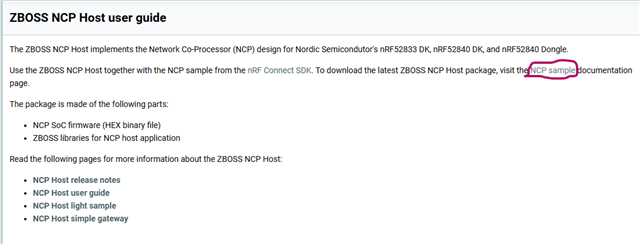
When i click this NCP sample link
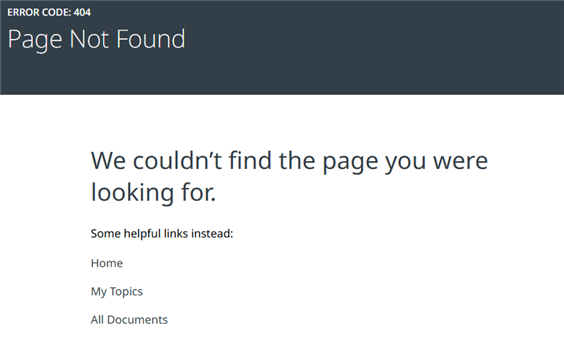
I am getting the below error, page not found.
Here is the Zigbee: NCP sample for R23.
Is the NCP host supported only on 64-bit Ubuntu 24.04 Linux, or is there also a version available for Windows 11?
It's only compatible with 64-bit Ubuntu 24.04 Linux. See ZBOSS NCP Host.
I’m currently trying to understand how ZBOSS NCP host handles DFU. Could you please clarify which command should be used to start the DFU process and how to send the DFU command from the NCP host?
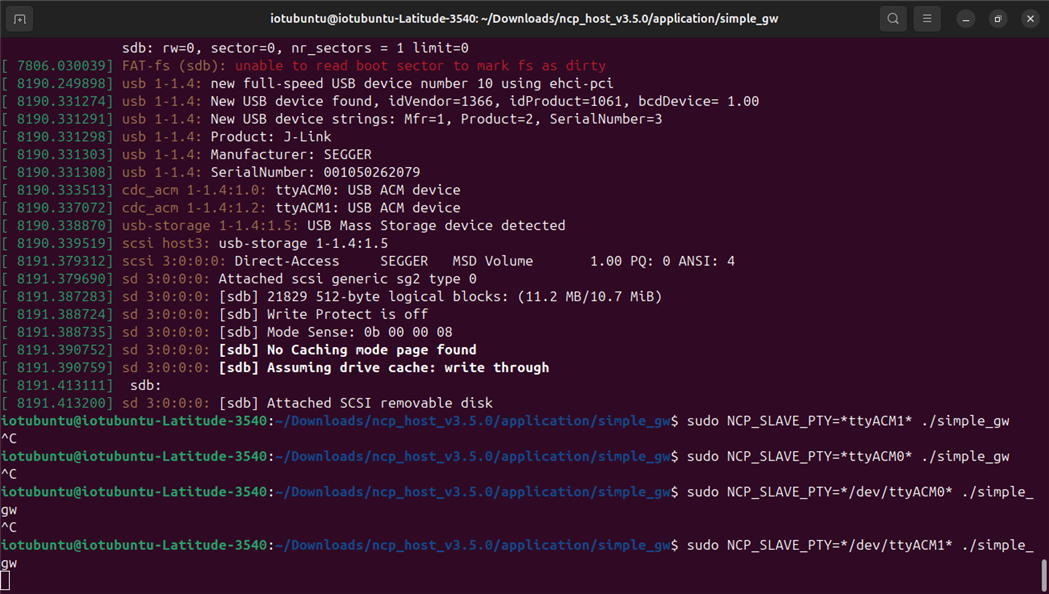
We are testing the simple gateway sample program with the USB port enabled in the build. For this, we are using 64-bit Ubuntu 24.04 Linux. We have the NCP sample running on one board and the light bulb sample on another board. The NCP sample board is connected to the Linux system. However, when we run the command NCP_SLAVE_PTY=ttyACM0./simple_gw, the port does not get enabled. Please find the details below for your reference.

In your figure, there are * character in the commands. We always called it straight NCP_SLAVE_PTY=dev/ttyACM0 ./simple_gw (not sure if this could have an effect and where the * could have come from)