The Bluetooth packet transmission speed cannot be increased

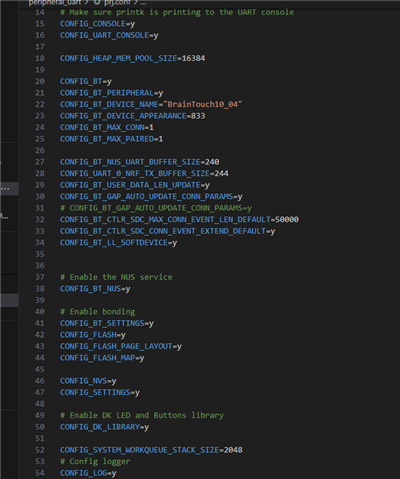
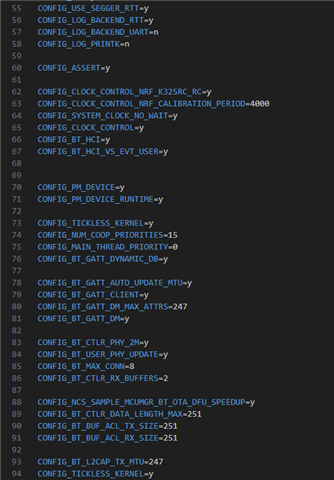
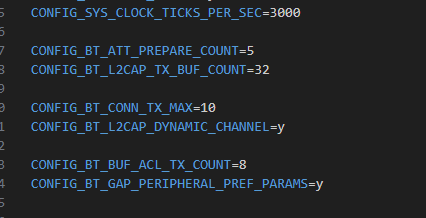
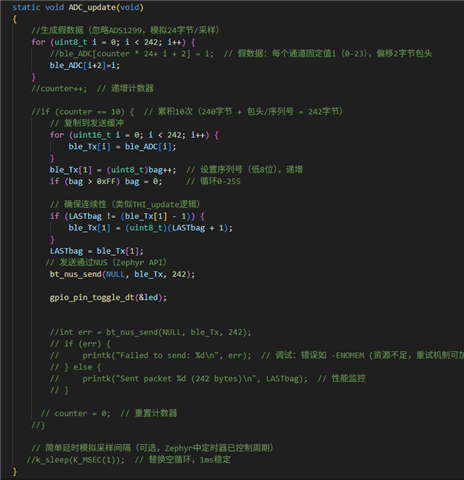
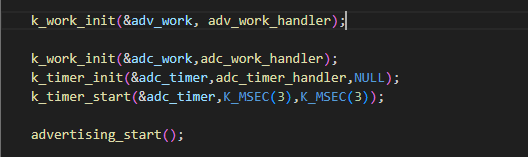
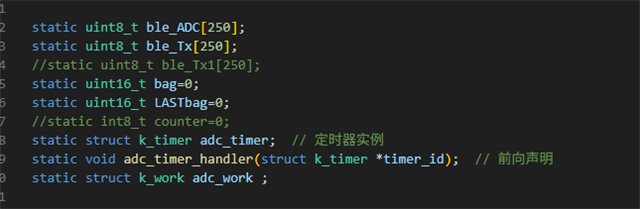
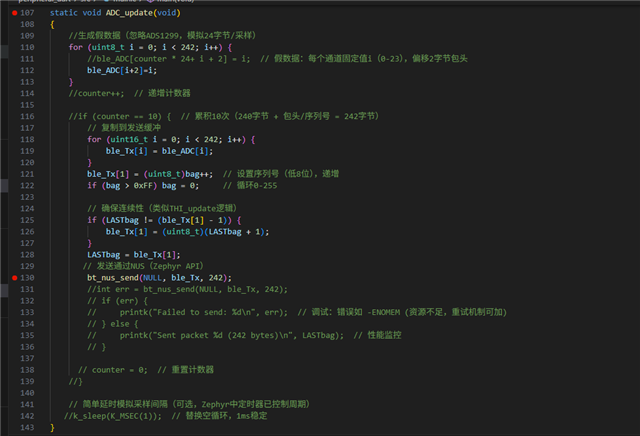
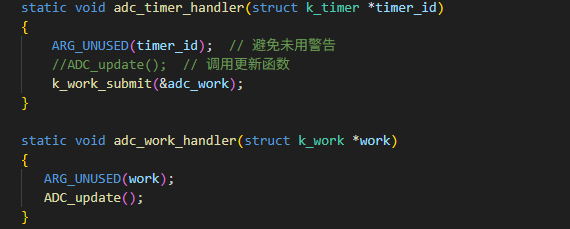
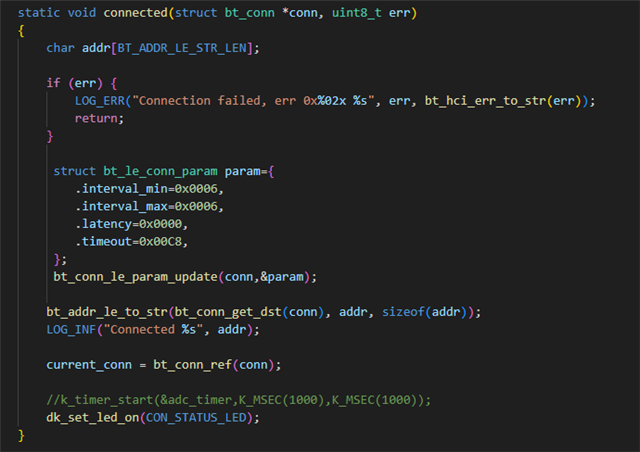
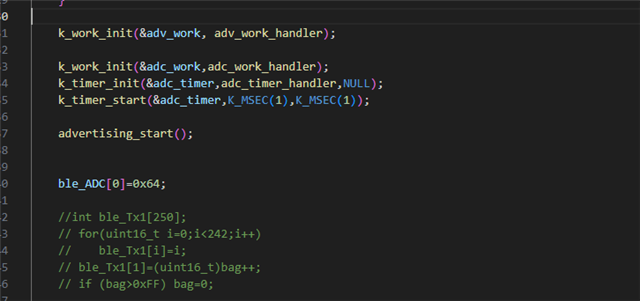
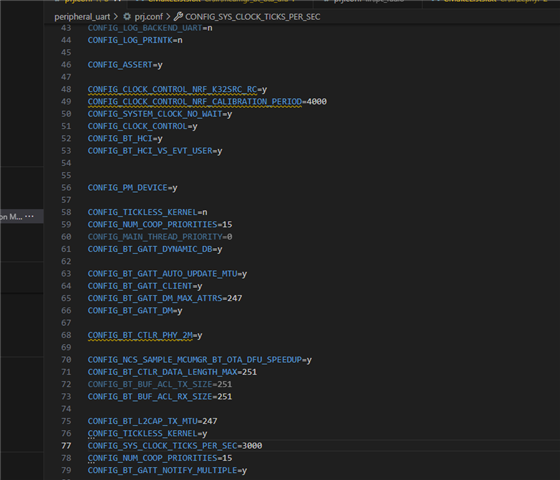
Currently, I'm using the NRF5340 chip. In my own development board, I'm only powering the chip to test its transmission performance. The example program I'm using is the classic peripheral_uart. Now I've created a string of dummy data, totaling 242 data points, including a header and packet filenames. Here are my current configurations and related code. The current transmission rate is approximately 50-60ms, with a handshake interval of 7.5ms. We hope to achieve a packet transmission speed of 3ms, with the packet filenames cycling continuously between 0-255 without any packet loss. Please help me with this. Thank you.

  • Hi

    In order to achieve maximum throughput, I'd recommend you check out the Bluetooth: Throughput sample for reference that gives some pointers to increase data throughput over BLE: https://docs.nordicsemi.com/bundle/ncs-latest/page/nrf/samples/bluetooth/throughput/README.html 

    Some things to be aware of is making sure you are using the 2Mbps PHY layer, that you have maximized the MTU and data packet size, etc. It's also very well covered how to achieve maxmum Bluetooth LE throughput in this blog post by Novelbits: https://novelbits.io/bluetooth-5-speed-maximum-throughput/ 

    If you're still struggling, can you explain what the two devices connecting here are? Do you have one nRF5340 DK and one custom board with an nRF5340, or is the setup something different?

    Best regards,

    Simon

  • thanks bro

    I only have a self-developed board with NRF5340, which is being debugged with the computer software nrf connect for desktop Bluetooth Low Energy. There are no other peripherals set up on the board yet. I connected an LED light after the data transmission to observe the time required for data transmission. When K_MSEC() is set to 50, the LED blinks approximately every 47ms; when K_MSEC() is set to 3, the LED blinks approximately every 2.7ms.

    We want it to send a data packet every 3ms. It seems that setting K_MSEC() to 3 is appropriate. However, in actual situations, it feels like the transmission is blocked, or the Bluetooth module wants to send data at such a fast speed but is restricted by some kind of limitation that prevents it from doing so. So far, our team has not found the cause of this issue. The pictures include my current configuration, relevant code, and the phenomenon when K_MSEC() is set to 3. We hope the Nordic team can analyze this situation and help us get out of the predicament.
    Best regards
    HHJ
  • Hi

    What device have you connected to your desktop that the nRF5340 communicates with? The nRF Connect for Desktop BLE app does require that you have an nRF5x DK of some kind that communicates with the computer. If not, how are you communicating to the nRF Connect for Desktop application exactly?

    Best regards,

    Simon

  • Hi

    A Bluetooth receiver is plugged into my computer.

    Best regards,

    HHJ

  • Please be specific. What Bluetooth receiver is that and how is it using the nRF Connect for Desktop application? Also, please provide some logs of how you calculate/find the throughput in your use case. What throughput rates does this Bluetooth LE receiver support for example?

    Best regards,

    Simon

Related