Issues with Lesson 9 Exercise 1 of DevAcademy - Timeout in AuTerm & CMake Warning

I am an FAE with Ezurio, we have a customer who was running through the nRF Connect SDK Intermediate training on DevAcademy and they ran into issues with AuTerm in Lesson 9 Ex 1.

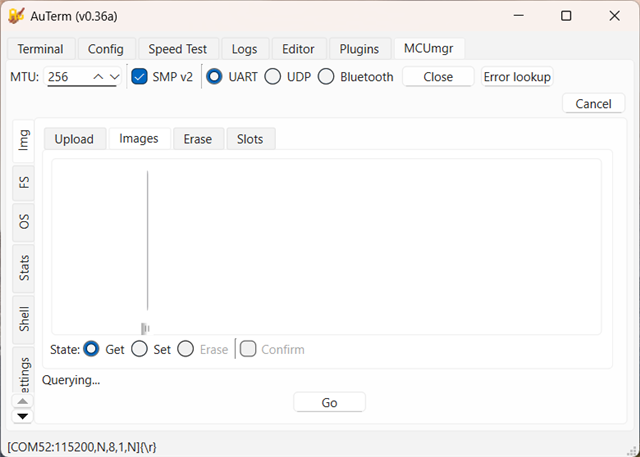
I was running through this lesson with one of our BL54L15 boards (Ezurio) and I am also not able to get this working with AuTerm. After building and flashing the application, even when using the solution code, I get a timeout when attempting to list the images.
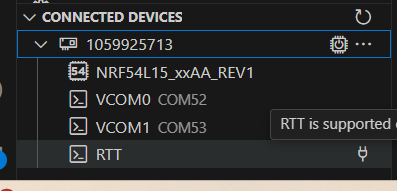
VS Code shows that the device is using COM52 for VCOM0.  I also tested with VCOM1 -COM53 and still had the same Timeout.

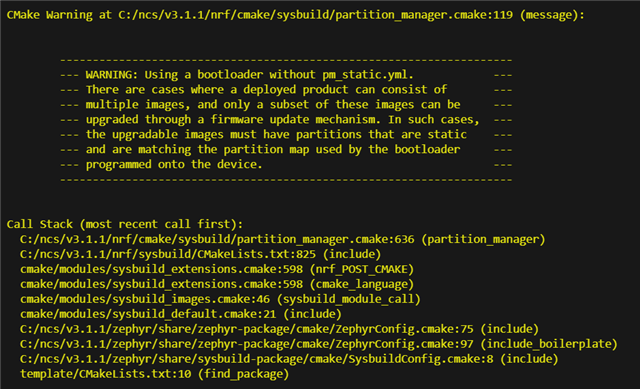
Of note during the build I get a CMake Warning regarding using a bootloader without pm_static.yml - but there is nothing about this in the lesson, and my research seems to indicate this should not impact the lesson.
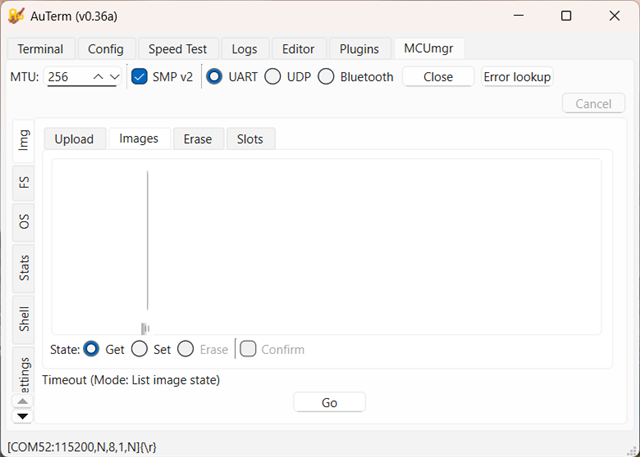

Of note during the build I do get a CMake Warning regarding using a bootloader without pm_static.yml - but there is nothing about this in the lesson, and my research seems to indicate this should not impact the lesson.
Can you advise what may be missing or why the image is not loading as the lesson indicates it should?

Regards,

Rikki Horrigan

  • Hi,

    When following the instructions step by step I'm successfully performing an update, i.e step 4.3 does not freeze for me. Also using Windows 11 and following the steps in the guide corresponding to NCS 3.1.1. I tested DFU with a nRF54L15DK.

    Two thoughts:

    1. I see that you're using the 0.36a version of AuTerm, whereas the guide and I am using v0.35a. I don't think this is the reason, but it could be worth double checking if downgrading resolves it on your end.

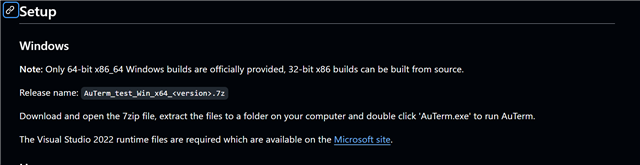
    2. Did you go through the setup steps for Windows? https://github.com/thedjnK/AuTerm/?tab=readme-ov-file#downloading 

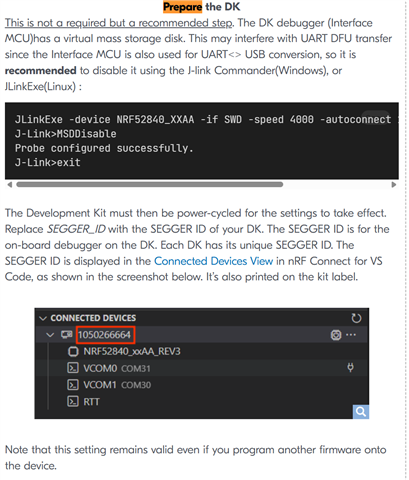
    3. Did you perform the "Prepare your DK" step in  the guide? 

    Kind regards,
    Andreas

  • Also, could you verify if you've connected to the correct com-port?

    I assumed that the correct COM port were being used, but that's just me not thinking of every case that could've lead to the time out. If you connect to the wrong port you will get a timeout since you won't get a response through that comport.

    Many Nordic DKs provide more than one virtual COM port. Each port may serve a different function (e.g., application core, network core, or other features). There's typically 2 com ports, one that's available for you to get out logs and one that's used to program the device.

    Use nrfutil device list to list the available coms, plug out the DK and list again to see which coms belong to the DK you're working with (or use VS Code nRF Connect Extension and monitor the device there)

    Kind regards,
    Andreas

Related