debugging MCUboot

NCS3.1.1, NRF52840, Windows, VScode

I have been trying to add MCUboot to my product, without success.

I believe there are known issues related to debugging when MCUboot is enabled. 

I believe I need to flash the merged.hex, then use "attach" to debug, and I need to specify "flash breakpoints" = false, and I need to supply the path to my elf file. But when I try to edit the vscode launch.json, I cannot see a way to make the configuration with these 3 things. 
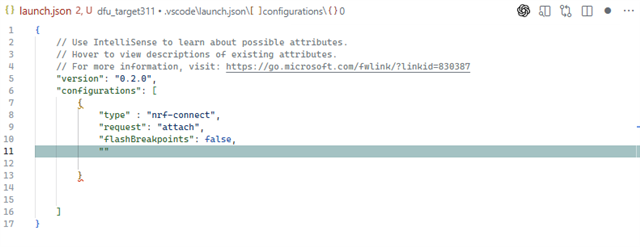
There is no way to specify the elf file if I specify "attach"

Is there any info on how to proceed?

Parents
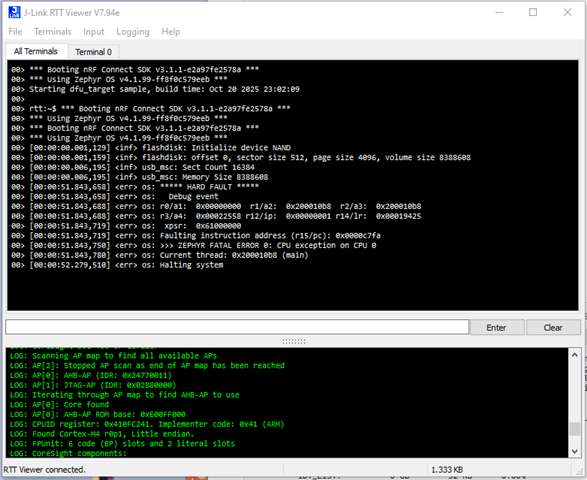
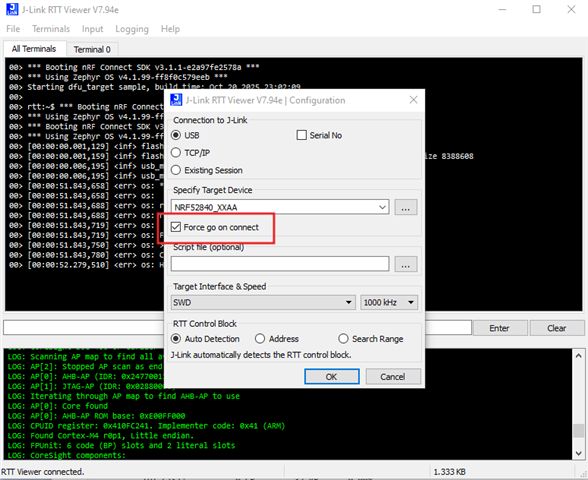
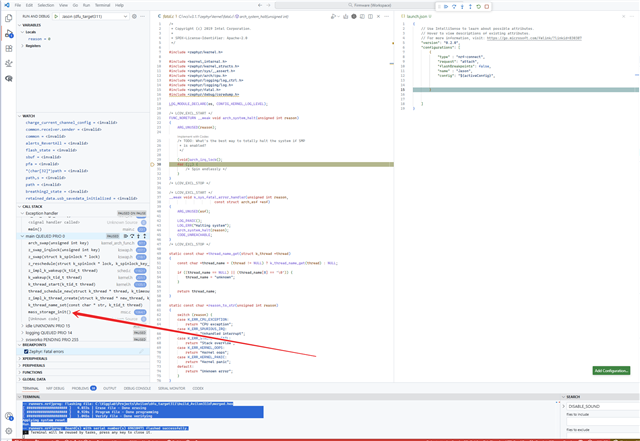
  • I finally got RTT viewer to work and it looks like I have an exception before it even gets to main. This is the first time I've managed to get anything from the logging. And I've noticed that I now get a stack trace in the debugger. If I connect with RTT with "force go on connect" and then if I use the debugger pause button then I can see where it gets stuck. But I have no way of stepping through the code prior to the crash. 

Reply
  • I finally got RTT viewer to work and it looks like I have an exception before it even gets to main. This is the first time I've managed to get anything from the logging. And I've noticed that I now get a stack trace in the debugger. If I connect with RTT with "force go on connect" and then if I use the debugger pause button then I can see where it gets stuck. But I have no way of stepping through the code prior to the crash. 

Children
No Data
Related