

I am unable to program the Thingy:91 using nRF Connect for Desktop → Cellular Monitor application, as described in the following link:
When I follow the instructions and put the Thingy:91 into MCU Boot mode during step 6.3, the programming window briefly appears, but as soon as I perform a power cycle by pressing SW3 as given procedure, the window automatically closes. Because of this, I am unable to proceed with programming the device.
I have provided a screenshot of the popup window that closes unexpectedly.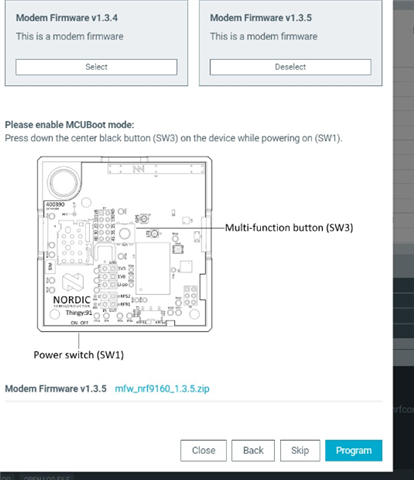
Kindly advise how to keep the board in MCU Boot mode long enough to complete programming.
Thank you.
