-
PC: Dell XPS
-
OS: Windows 11, 64-bit
-
SEGGER J-Link: Multiple versions tried
-
Python: 3.12.1 (also tested 3.10)
-
IDE: VS Code
-
nRF SDK: 3.1.1
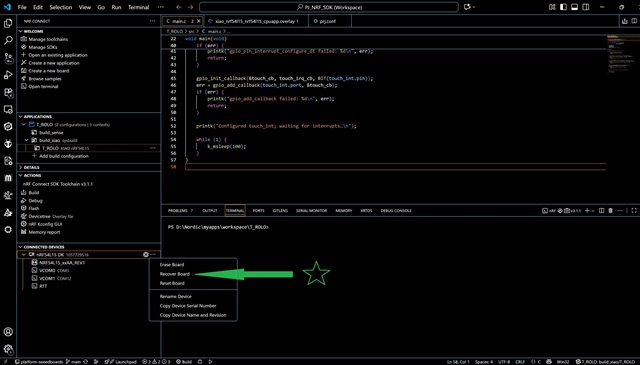
After some updates on my Dell laptop, flashing stopped working on a new NRF54L15 board. I attempted to uninstall and reinstall all Nordic tools, including nrfutil and nrfjprog, and also tried nrfutil upgrade. Nothing resolved the issue.
It seems that my board was “stuck,” preventing the flash from completing. The only solution I found was to install the older nRF Command Line Tools and run nrfjprog manually from an elevated (admin) PowerShell to reset the board. After this, flashing worked.
There are some different fixes discussed in the community, but perhaps not everyone has tried this approach.
Problem:
Workaround / Steps Taken:
-
Download and install the nRF Command Line Tools:
https://www.nordicsemi.com/Products/Development-tools/nRF-Command-Line-Tools/Download?lang=en#infotabs - Add the
binfolder of the installation (containingnrfjprog.exe) to your environmental variables so it can be accessed from any PowerShell or CMD.
My path: C:\Program Files\Nordic Semiconductor\nrf-command-line-tools\bin - Open a PowerShell (Run as Administrator) and run: nrfjprog --chiperase --snr 1057750300
(Replace1057750300with your board’s serial number as needed.)
After running this, flashing viawest flash,nrfutil and using VScode NFR Connectworked again.
Using the command: nrfutil device reset --serial-number 1057750300 --json would probably work as well.