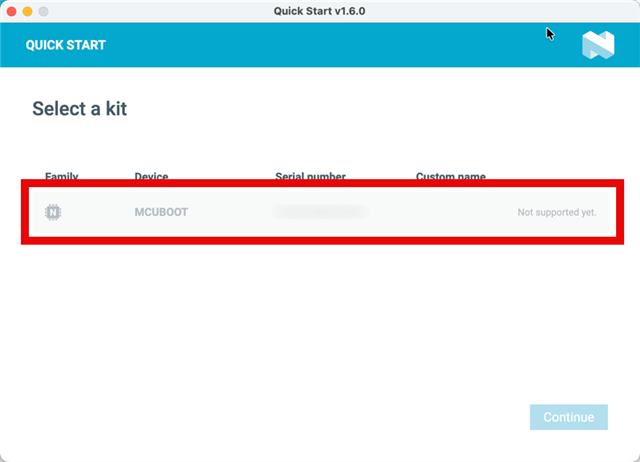
Quick Start for Thingy 91X does not allow me to configure

I ordered a Thingy 91x and am tyring to configure it according to Introducing the Thingy:91 X – The Ultimate Cellular IoT Prototyping Platform on YouTube but I am getting a very different screen in the nRF Connect Quick Start screen:
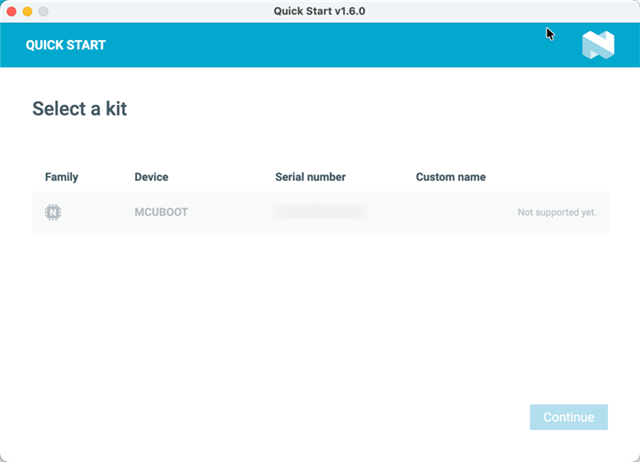

I want to congifure it and start using it. I am also curious if I need to buy an Onomondo plan after the trial expires and how I go about that.

Parents Reply
  • Yes. I did the quickstart DevAcademy lesson. I cannot see the device because it is appearing differently in nrfConnect for Desktop. It is appearing. It appears and disappears as I plug/unplug the Thingy 91X. I have highlihted the device in the screenshot below by putting a red border around it:

    This is how my Thingy 91x is appearing.

Children
No Data
Related