Quick Start for Thingy 91X does not allow me to configure

I ordered a Thingy 91x and am tyring to configure it according to Introducing the Thingy:91 X – The Ultimate Cellular IoT Prototyping Platform on YouTube but I am getting a very different screen in the nRF Connect Quick Start screen:
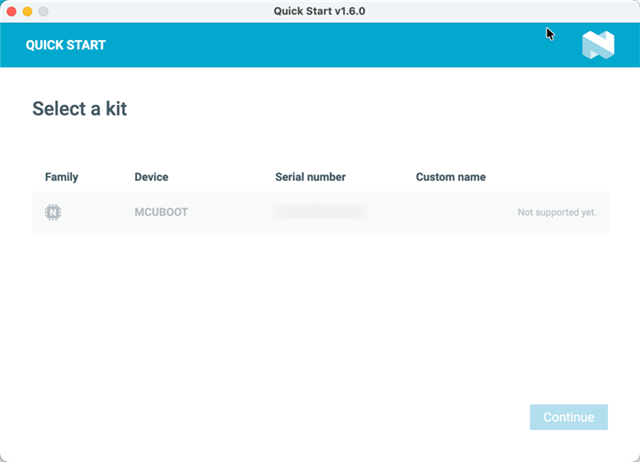

I want to congifure it and start using it. I am also curious if I need to buy an Onomondo plan after the trial expires and how I go about that.

Parents
  • Hello,

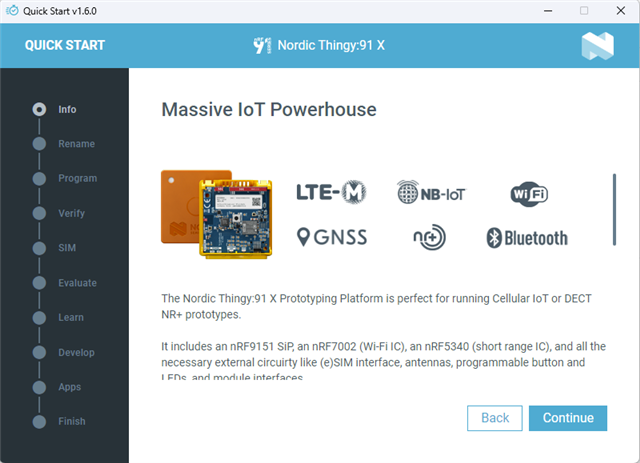
    this is what the quickstart shows for me when I put the thingy91x in mcuboot mode. If you don't put it in mcuboot mode before starting the quickstart application then it will show this instead;

    You can achieve this by turning the thingy91x off and on, toggling the power switch without pressing any other button. If this does not work for you, then you might need to reprogram the connectivity bridge.

Reply
  • Hello,

    this is what the quickstart shows for me when I put the thingy91x in mcuboot mode. If you don't put it in mcuboot mode before starting the quickstart application then it will show this instead;

    You can achieve this by turning the thingy91x off and on, toggling the power switch without pressing any other button. If this does not work for you, then you might need to reprogram the connectivity bridge.

Children
No Data
Related