Signing Images on Custom PCB OVER SWD programming (NRF54L10)

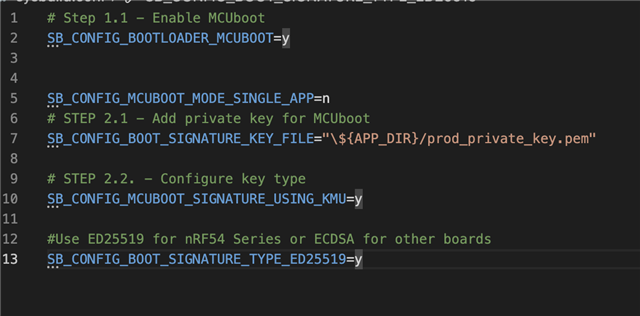
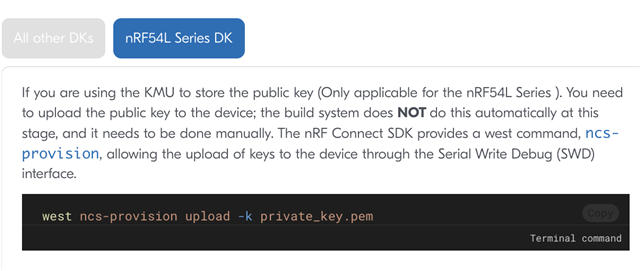
I am using a nrf54l10 module on the pcb and using the nrf54l15 dev board. So I have a bootloader, the mcuboot, and then the image. I program over SWD on the pcb. So my problem is that I can program the merged.hex file on to the pcb, however when I try to add this key, to the pcb, the image doesn't get uploaded. On the dev board I have to upload the key then I can upload the firmware. How do I use these keys on custom pcb?

 Upload the key to Dev board:
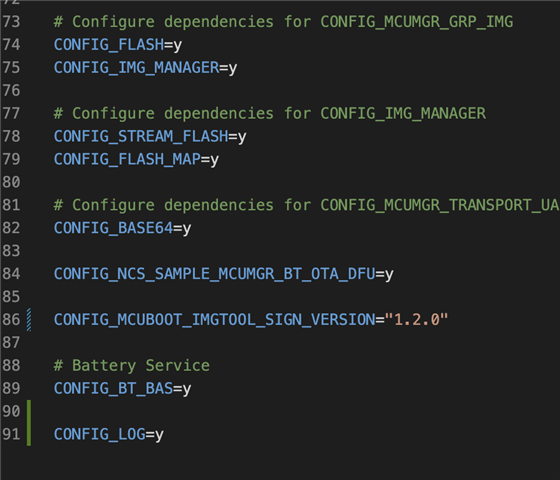
prj.conf:  sysbuild.conf with key on: 
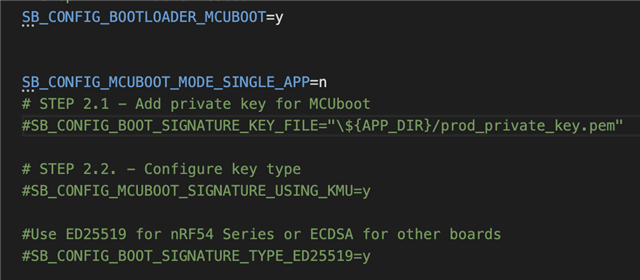
Sysbuild.conf with key off: 
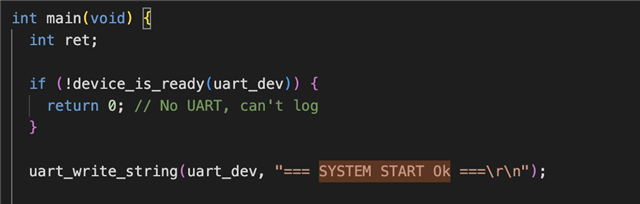
Main file:   Uart Log: 
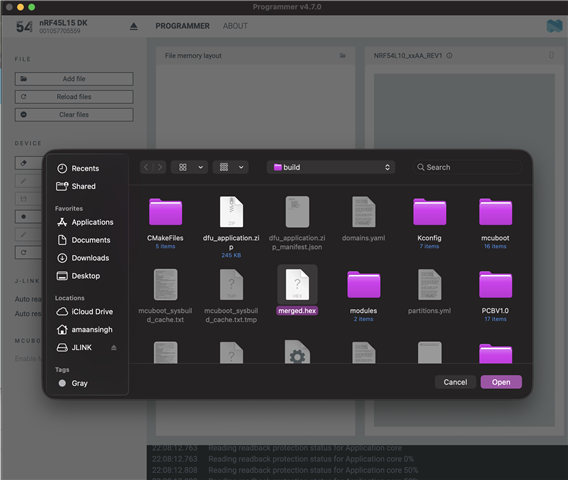
Coding using nrf programmer and using the merged.hex file: 
Parents
  • Hi, 

    There are couple of likely issues in your setup. So first of all flashing merged.hex alone is not enough, the public key must be provisioned into the KMU on the target device, otherwise MCUboot will not boot the image. In your sysbuild.conf, the image is signed with 'prod_private_key.pem' where as if you have used the exactly same Devacademy command while provisioning which specify 'private_key.pem' then it could be an issue due to this mismatch. So first I suggest you to try to run on your PC, the following command (using exactly the same PEM file as in SB_CONFIG_BOOT_SIGNATURE_KEY_FILE):  

    west ncs-provision upload -k prod_private_key.pem

    Secondly as you have both the nRF54L15 DK and the custom PCB connected, it’s also possible that provisioning is going to the DK instead of the custom board. The KMU provisioning docs state that when multiple J‑Links are connected you should select the interface with --dev-id (J‑Link serial number). So you can specific this as shown below in the command:

    west ncs-provision upload -k prod_private_key.pem --keyname UROT_PUBKEY --dev-id <JLINK_SN>

    Please check and confirm if it works. Thanks.

    Best Regards.
    Syed Maysum

Reply Children
No Data
Related