

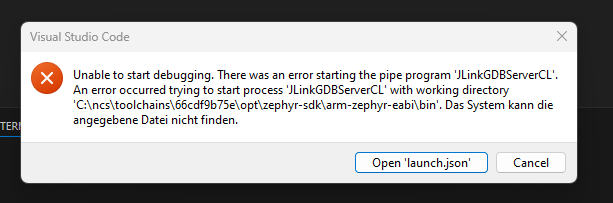
Unable to start debugging. There was an error starting the pipe program 'JLinkGDBServerCL'.
An error occurred trying to start process 'JLinkGDBServerCL' with working directory
'C:\ncs\toolchains\66cdf9b75e\opt\zephyr-sdk\arm-zephyr-eabi\bin'. Das System kann die
angegebene Datei nicht finden.
I returned to the previous version 2025.12.1228.
The new version is only working with adding the segger jlink installation path to the environment variable PATH.
C:\Program Files\SEGGER\JLink_V876
Changelog form 2026.1.1242
Other bug fixes
Fixed an issue with finding SEGGER J-Link installation on Windows.
I think there is a problem.
And adding to segger to PATH is not really a option for me.

