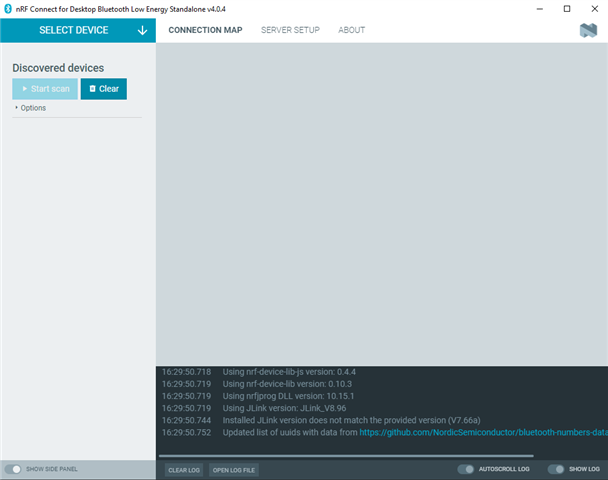
The nRF Connect for Desktop BLE app uses an nRF device, such as a DK or a dongle, for BLE connectivity. It does not use BLE natively on the computer. Therefore, you must connect a compatible nRF Device and select it from the "SELECT DEVICE" dropdown at the top left. You may get a question if you want to program the device (as it needs connectivity firmware in order to provide connectivity to the BLE app.) This you must accept. After that, and after the connectivity firmware has been installed on the device, you should be able to use all the features of the BLE app.