Hello,
I’m using **VS Code + nRF Connect SDK v3.2.1** with a **Nordic Thingy:53** board.
I can build firmware successfully, and nRF Connect **Programmer (Desktop app)** detects my board correctly:
- Nordic Thingy:53
- Serial number recognized
- USB Serial (COM5) works
However **VS Code does NOT detect any connected device** under “Connected Devices”, and the Flash button says *No devices connected*.
I have:
- Installed SEGGER J-Link V9.12
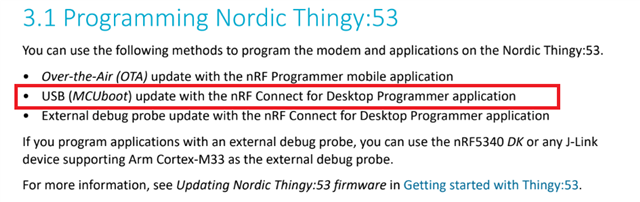
- USB-C plugged into the port labeled “USB”
- Drivers installed
- Tried different cables
- Administrator permissions
Device Manager shows **USB Serial Device (COM5)** but does NOT show J-Link.
What am I missing? Is there a setting or driver step for VS Code to detect the debug interface on Thingy:53?
Thanks!
I am supposed to use only USB so please help