Power Profiler very slow when maximized

Hi,

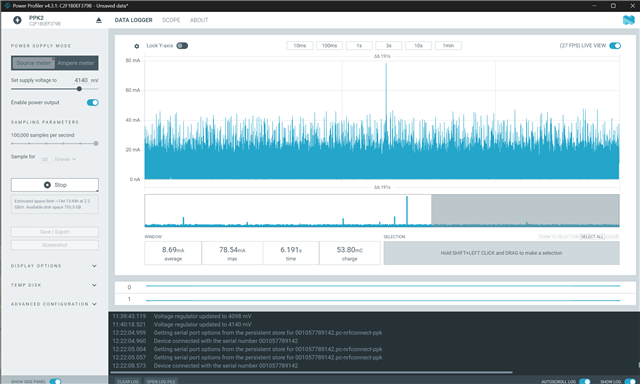
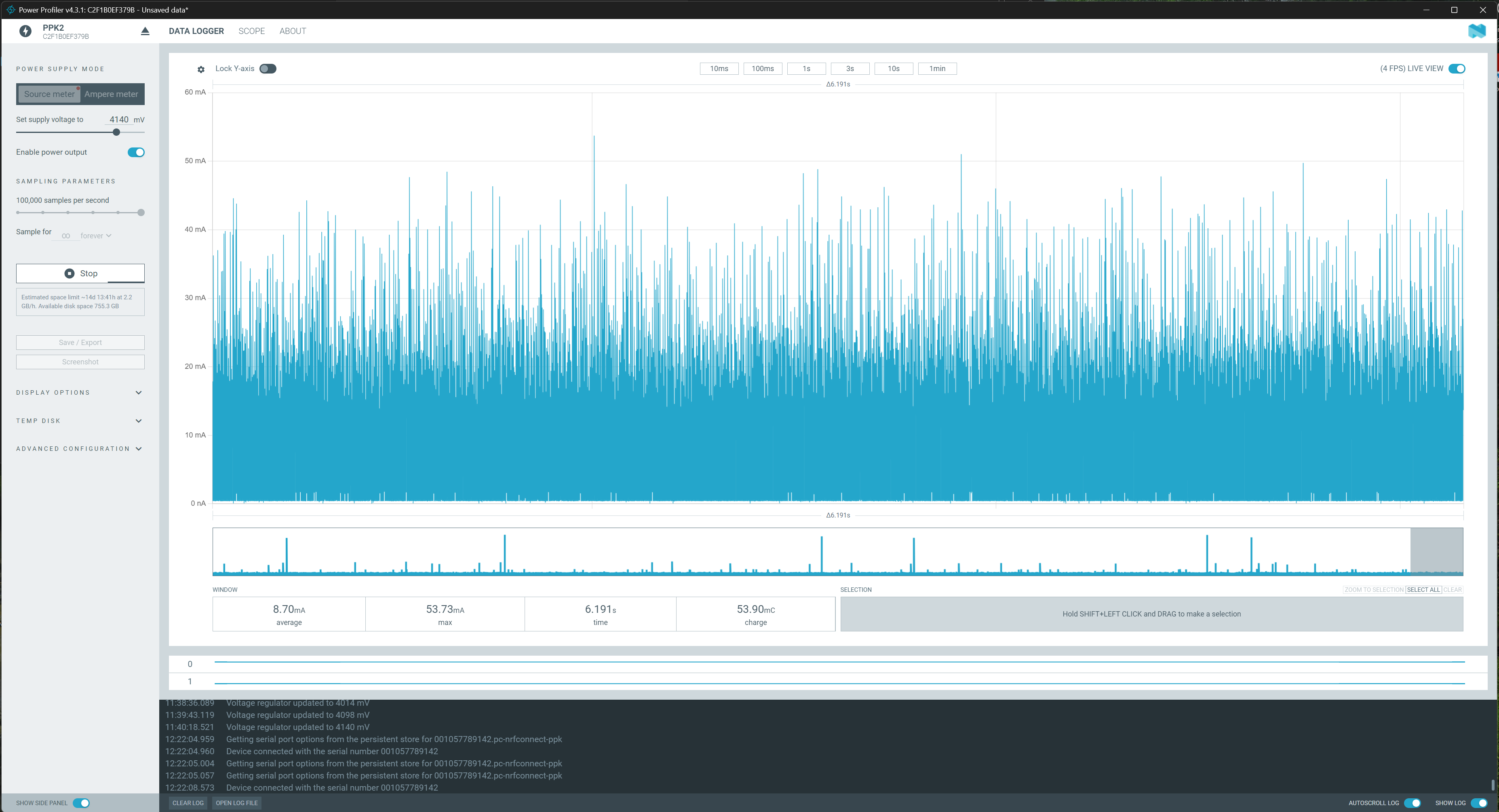
I am on Windows and use Power Profiler v4.3.1 when the App is not maximised, I get an FPS 30. When I maximize the window, it drops below 5.

EDIT: the window does not have to be maximized, but the FPS heavily depends on the window size.

Parents
  • Hi Florian,

    Window size should not affect the power profiler performance. Could you maybe try the following.?

    1. Check system load and GPU/CPU usage while resizing the window, to see if you are hitting a resource limit (as Nordic warns that plotting can be CPU-heavy).
    2. Avoid USB hubs/docking stations and try a direct USB connection, as recommended in the ppk2 documentation for performance issues.
    3. Verify you are on the latest Power Profiler app version available in nRF Connect for Desktop, since several 4.x issues have been fixed in newer betas/versions.

    Regards,

    Swathy

Reply
  • Hi Florian,

    Window size should not affect the power profiler performance. Could you maybe try the following.?

    1. Check system load and GPU/CPU usage while resizing the window, to see if you are hitting a resource limit (as Nordic warns that plotting can be CPU-heavy).
    2. Avoid USB hubs/docking stations and try a direct USB connection, as recommended in the ppk2 documentation for performance issues.
    3. Verify you are on the latest Power Profiler app version available in nRF Connect for Desktop, since several 4.x issues have been fixed in newer betas/versions.

    Regards,

    Swathy

Children
Related