Hi,
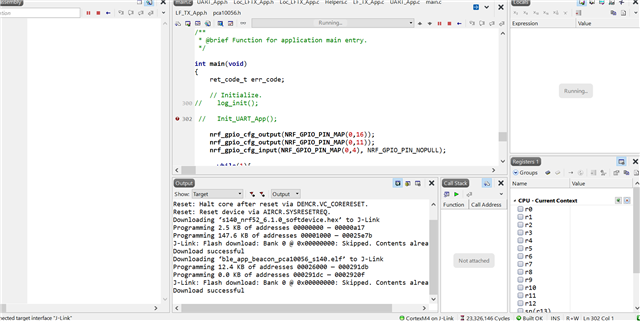
Previously, I have done a board and this board have completely no problem to debug in Segger embedded studio.
I have route a new board, this board is almost everything as same previous board.
In this board, I cannot debug in Segger embedded studio.
1. When I run in debug mode, the left panel totally empty. I have no way to set any debug point.
2. When I keep the main code small as possible, just toggle LED. The debug still cannot work.
Do you know what general root cause of such issue ?
Please advise.