This post is older than 2 years and might not be relevant anymore
More Info: Consider searching for newer posts

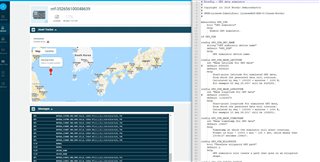
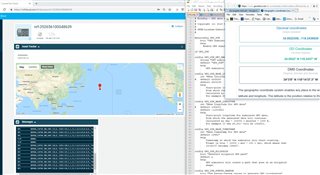
Simulated GPS data on nRF9160 DK Asset Tracker Example

I found lines 766 - 768

CONFIG_GPS_SIM_DEV_NAME="GPS_SIM"
CONFIG_GPS_SIM_BASE_LATITUDE=6325280
CONFIG_GPS_SIM_BASE_LONGITUDE=1026201

in \ncs\nrf\samples\nrf9160\asset_tracker\build\zephyr\.config

 

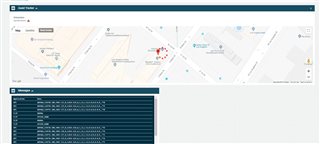
Please let me know how to change to the location in US such as Los Angeles, California for my upcoming demo

34.0522° N, 118.2437° W

Thanks.

Parents Reply
  • Try this:

    // LA 34.05217,-118.14622
    #define CONFIG_GPS_SIM_BASE_LATITUDE  3405217
    #define CONFIG_GPS_SIM_BASE_LONGITUDE 1181462 // -ve so 'W'
    

    LA is West, so instead of using '-' and 'E', use instead 'W':

    	snprintf(tmp_str, GPS_NMEA_SENTENCE_MAX_LENGTH,
    //		"$GPGGA,%02d%02d%02d.200,%8.3f,N,%09.3f,E,1,"
    		"$GPGGA,%02d%02d%02d.200,%8.3f,N,%09.3f,W,1," // <== Use 'W' instead of 'E' and negative numbers
    		"12,1.0,0.0,M,0.0,M,,*", hour, minute, second, lat, lng);
    

Children
Related