This post is older than 2 years and might not be relevant anymore
More Info: Consider searching for newer posts

How to do buttonless dfu

Hi, 

I am using nRF52832 and sdk 16

I am done secure bootloader dfu. By generating the new firmware application. Zip  , this part is working fine

Now I want to do buttonless dfu.  How to generate the bootloader settings? 

2.i have merged all the hex file into single hex file which include bootloader, softdevice, and application

3.how can I make my device to switch to dfu mode? 

Please suggest me an answer. 

Thanks

  1. Pspavi
Parents Reply
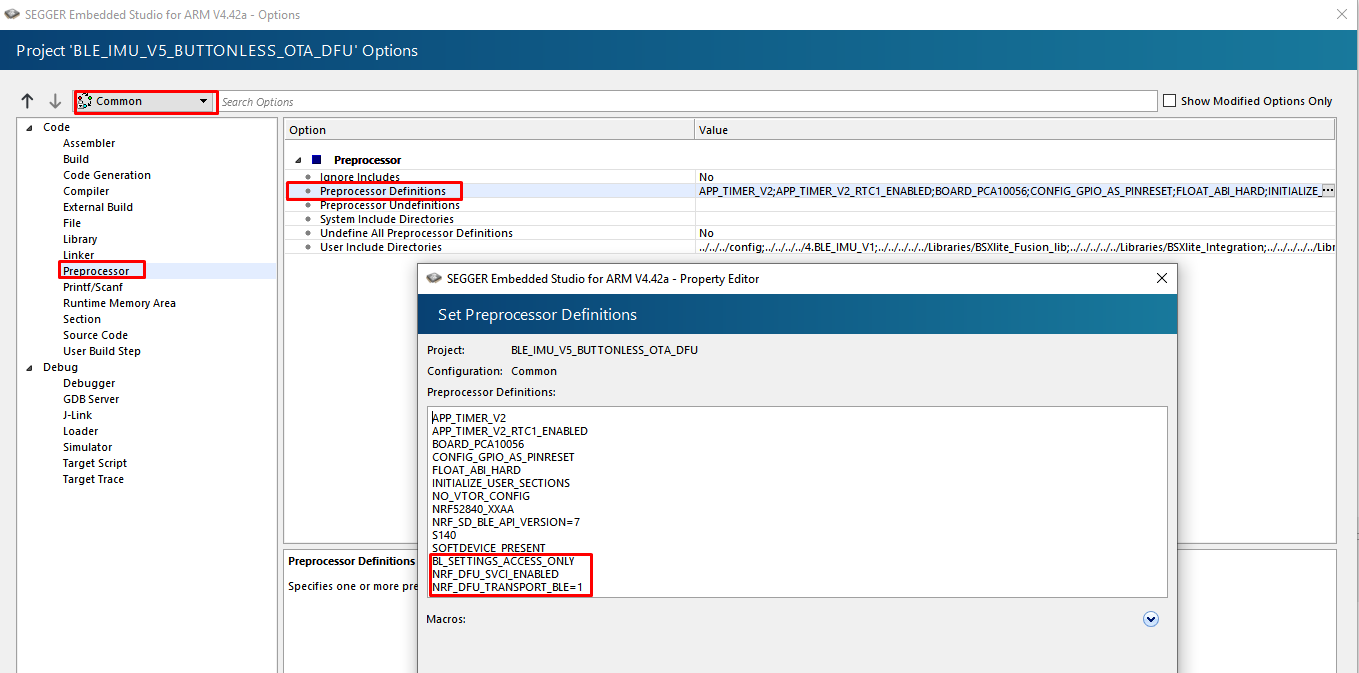
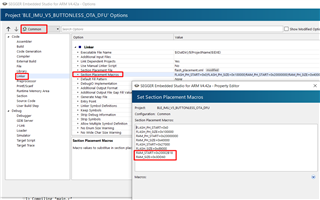
  • yes it is worked , I am have complied  successfully . Followed the above tutorial , after merging all hex file 

    1. secure bootloader 

    2. softdevice 

    3.  ble_app_uart_dfu (modified)

    4. bootloader_settings.hex 

    using nrfjprog command programmed the dk with merged hex files 

    after power cycle , i couldn't able to see the device name in nrf_connect . I tried by testing with dfu_test_images precomplied hex file that is working fine 

    nrfutil settings generate --family NRF52840  --application secure_bootloader_ble_s140_pca10056.hex --application-version 0 --bootloader-version 0 --bl-settings-version 2  ble_buttonless.hex
    mergehex --merge ble_buttonless.hex ble_app_uart_s140_pca10056.hex --output  buttonless.hex
    
    
    nrfjprog -f nrf52 --recover
    nrfjprog --program ble_buttonless.hex
    Parsing hex file.
    Reading flash area to program to guarantee it is erased.
    Checking that the area to write is not protected.
    Programming device.

    please guide me where i have done mistake 

Children
Related