Afterwards, please download and install the nRF Connect for Desktop application, and then install the LTE Link Monitor app inside the application. Connect your Thingy:91 to your computer, and then using LTE Link Monitor connect to the Thingy:91.
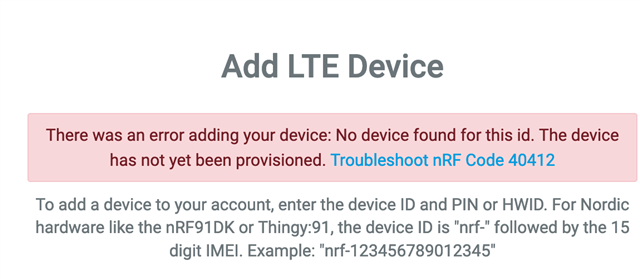
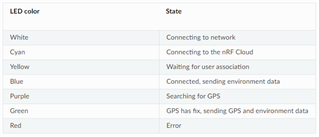
Thank you, I of course did read the documentation and also did all the FW upgrades. For me it was however not obvious that the device has to be switched ON and trying to connect to the network/cloud in order to be able also manually register the device (EMEI/pin code) to the cloud through the cloud portal. It now works fine, i get a nice blinking blue LED and I see data coming in :-).
Looking forward now to explore the Thingy:91 and do cool things with it.