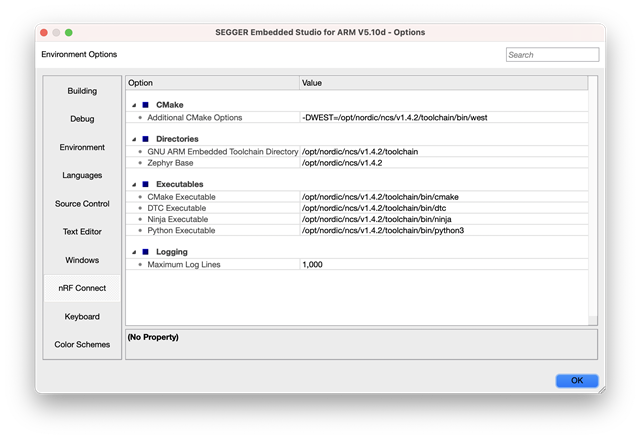
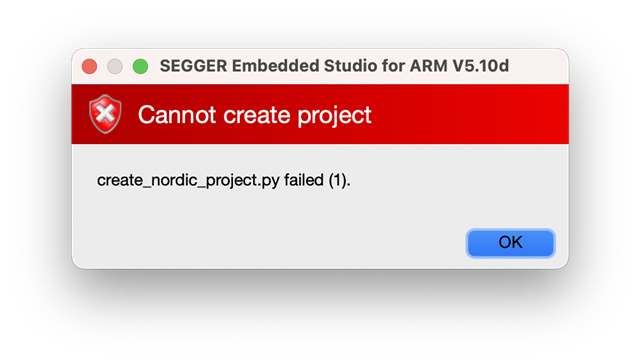
I've installed NCS on macOS using the nRF connect desktop toolchain manager which all went fine. When I try to open any project I get an error.
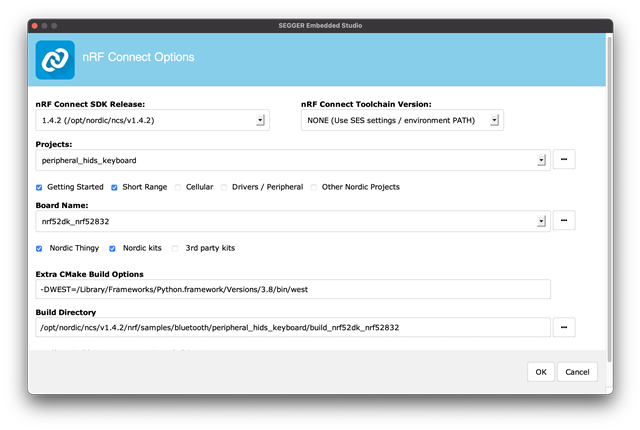
I've installed NCS on macOS using the nRF connect desktop toolchain manager which all went fine. When I try to open any project I get an error.


Hi!
Could your provide the Segger Embedded Studio build log? I also notice two things:
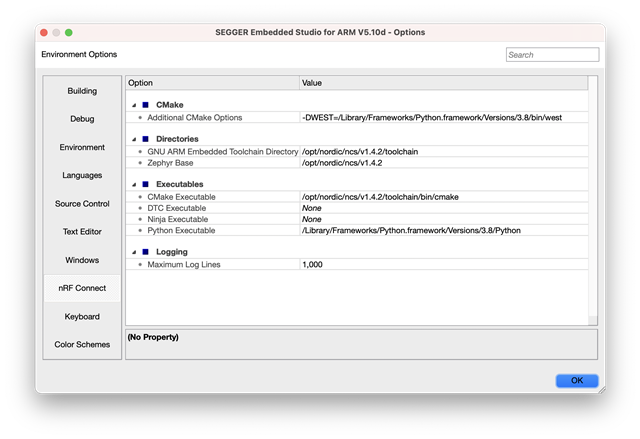
- From what I can see you haven't chosen an "nRF Connect Toolchain Version". Please choose the corresponding one (v1.4.2), as specified in the documentation.
- You've specified a different west binary than the one provided by the toolchain. Though, I don't believe that's what's causing the issue.
Best regards,
Carl Richard
I have changed some settings as I was trying to use SES with a manually installed NCS/toolchain too, but I changed some back – not sure what the others should be. There aren't any options in the toolchain dropdown. Here is my NCS config:

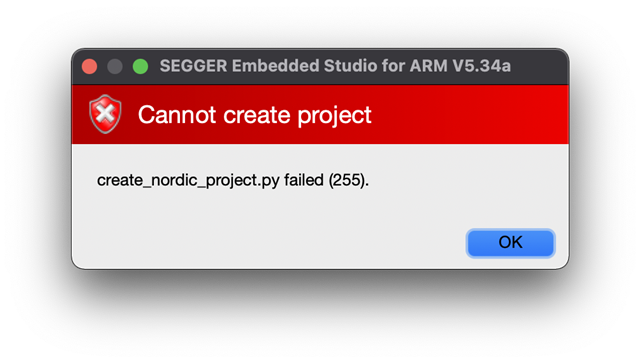
Hmm I'm not sure what was missing but I changed it all to the toolchain manager and now it gets further:


Hi again, Nick!
Great that you see some progress. We've had reports on problems when mixing manual with the Toolchain Manager installation on macOS, so that's what you might be facing. When the build fails like you see here it should be possible to get a build log from SES double clicking the failed task in the "output" panel (see the image): 
The build log will help me to pinpoint the issue.
Secondly, close SES and try to delete the CMake cache by calling the following command in your terminal: rm -r ~/Library/Caches/zephyr.
Best regards,
Carl Richard
Thanks. I remembered I had also removed the toolchain manager cmake package so I ran
rm -r ~/.cmake/packages/Zephyr* west zephyr-export
inside the toolchain manager NCS. Either this or your suggestion fixed it.
Great! Glad to hear that it works now.
Please reach out if you face any other issues.
Best regards,
Carl Richard
Great! Glad to hear that it works now.
Please reach out if you face any other issues.
Best regards,
Carl Richard