Hello,
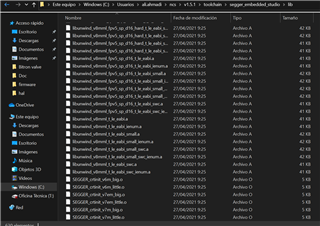
I made a new project at SEGGER for nRF5340 and in the first step before do any development I face with the attached error! The file it asked doesn´t exist !!
Could you please guide me.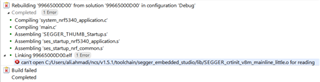
Hello,
I made a new project at SEGGER for nRF5340 and in the first step before do any development I face with the attached error! The file it asked doesn´t exist !!
Could you please guide me.
Hi,
Are you able to run sample applications without issues?
How did you setup your new project? The easiest way to start new projects is by modifying one of the basic sample applications, like zephyr/samples/hello_world.

Hi,
I tested all of the methods of setup a new project. The problem of the basic samples are the project explorer is very crowded and a long list of project. I prefer to have an organized and clean project explorer to organize the modules of my project according to what I want. The other problem is I can not add other libraries to that. The libraries I want to add is:
C:\Users\ali.ahmadi\ncs\v1.5.0\modules\lib\openthread\third_party\NordicSemiconductor\nrfx\hal
and when I define the library it shows an error of it can not find the library and when I try to put the address of the library in the preprocessing list, in this mode I do not have access to preprocessing tab in the option of the solution!!
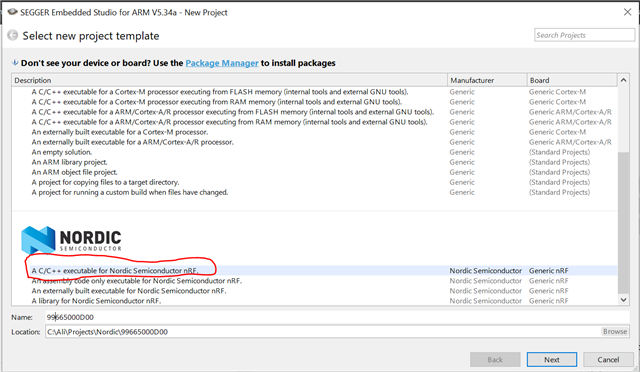
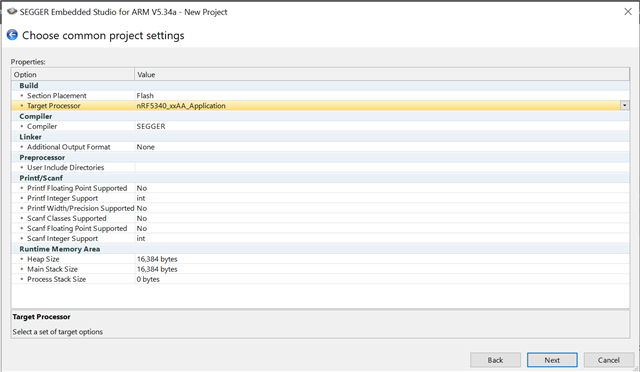
In the attached photo I show all of the steps to make a new project without using basic samples: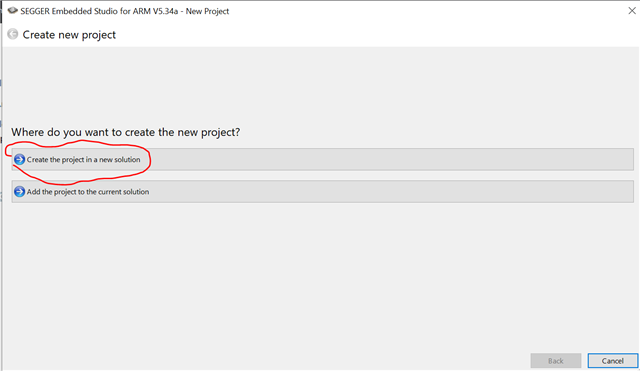
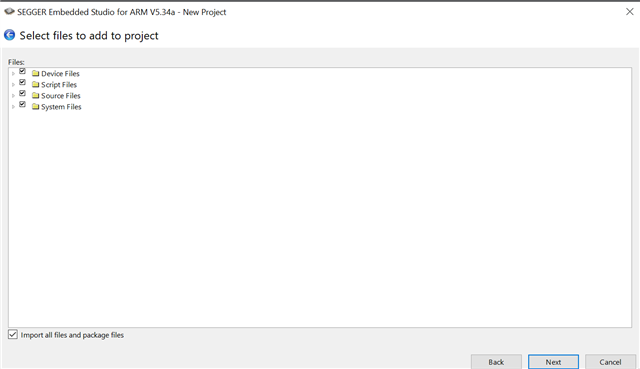
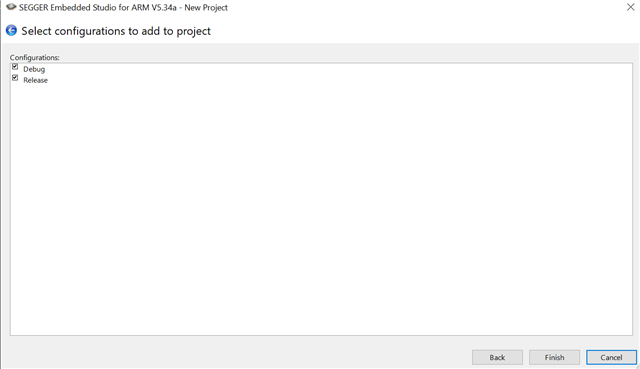
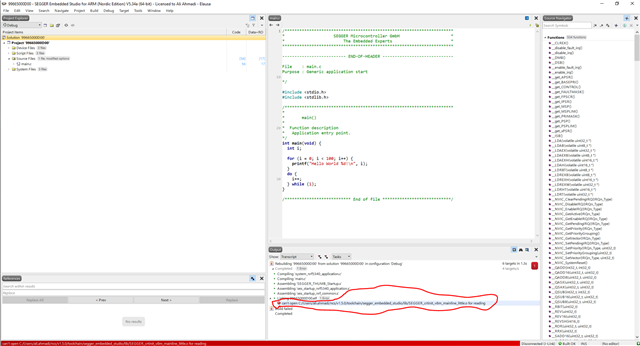
Hi,
I tested all of the methods of setup a new project. The problem of the basic samples are the project explorer is very crowded and a long list of project. I prefer to have an organized and clean project explorer to organize the modules of my project according to what I want. The other problem is I can not add other libraries to that. The libraries I want to add is:
C:\Users\ali.ahmadi\ncs\v1.5.0\modules\lib\openthread\third_party\NordicSemiconductor\nrfx\hal
and when I define the library it shows an error of it can not find the library and when I try to put the address of the library in the preprocessing list, in this mode I do not have access to preprocessing tab in the option of the solution!!
In the attached photo I show all of the steps to make a new project without using basic samples:

The method you are using to create your project is not one I have seen before. Unfortunately, you will not be able to have a completely clean project explorer with the nRF Connect SDK and Segger.
The library you are attempting to use is an Openthread library, so I would advise you to take a look at the samples in nrf/samples/openthread and consider using one of them as the starting point for your project. Here you can read more about configuring Thread in nRF Connect SDK.
You may also be interested in the guides on "Adding your own code" and "Application Development".
I found how can I used the open thread n my project, The problem was the address and I used static address and it worked and I don´t know how I have to make it a dynamic address because there is no access to preprocessing option in the setting for I define the folder of the library! When I use "open nRF connect SDK project" the solution option menu totally changes and I lose access to many of the options. In the photos below I show the difference and please guide me on how I can define the address of the library folder in the option for preventing usage of static address.
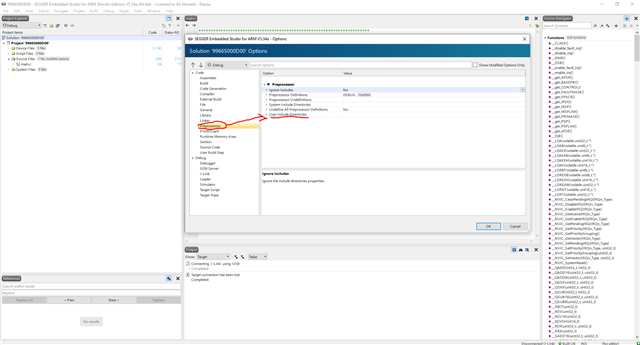
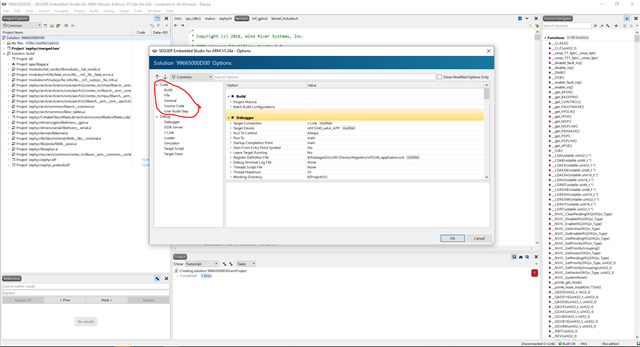
The other problem is when I use "open nRF connect SDK project" I can not make my files and develop them as modules of my project. I read the pages you attached and just made me more confused. I don´t think adding some files to an IDE be complicated as what the files described. When I make files or add existed files in any part of the project I faced many errors related to libraries of Zephyr that lost their address. Please give me a practical and short method so I can make my own files to develop the project. Thank you for your guide.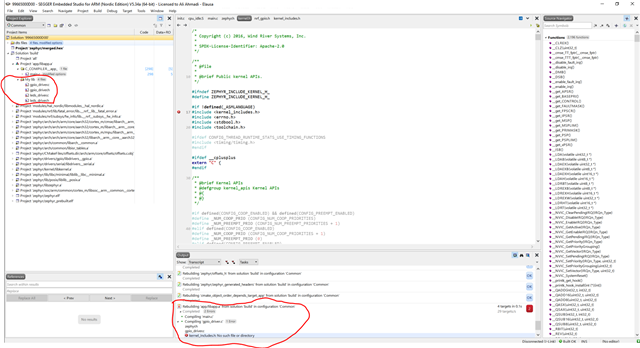
Have you added your files to the target sources in the CMakeLists.txt file, as described under CMake Details in the Application Development guide?
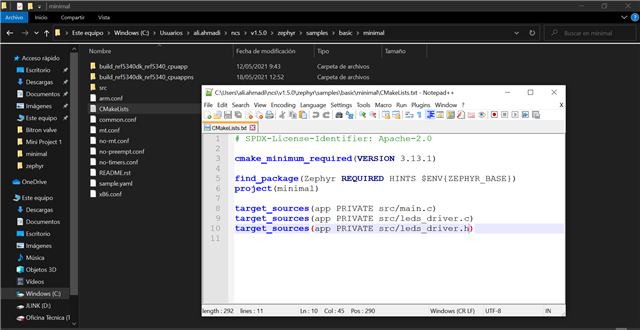
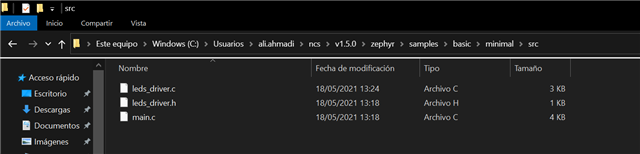
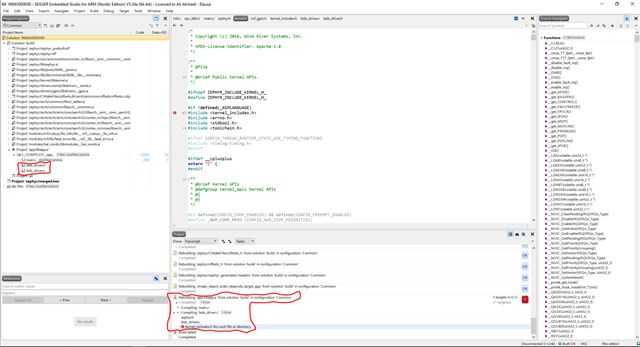
I added my files to CMakeLists.txt of the project location and follower by add them in the project explorer and rebuild the project and I faced the errors the same as before. After I added my own files, the libraries of Zephyr lose their location address !! . I attached all of the processes as photos.