This post is older than 2 years and might not be relevant anymore
More Info: Consider searching for newer posts

When i select a device from dropdown menu in programmer, i got whitescreen. NRF connect for desktop version 3.7.0 and Programmer v1.4.11 in windows 10,

I am using below environment for my project

NRF connect for desktop version 3.7.0 and Programmer v1.4.11 in windows 10, NRF52840 and Jlink debugger

I have tried multiple times reinstall and restart of the application and PC. Even though When i select a device from drop down menu in programmer, i got the whitescreen page. I have referred and applied provided solutions from previous post regrading with different version. Still my problem is not solved. Please suggest a resolution as soon as possible.

Parents Reply
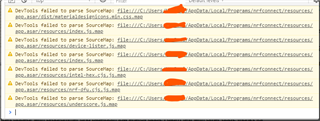
  • I'm facing the same issue, this is the console output

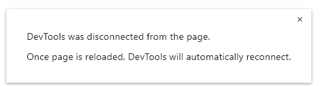
    and it shows also another message when starting:

    these tow messages appear with programmer and bluetooth low energy apps, I didn't test with other apps. thanks for helping

    EDIT:

    I have another pc has nRFconnect installed and working correctly. the console output is the same but it's not showing the "DevTools was disconnected...." message.

    PS:

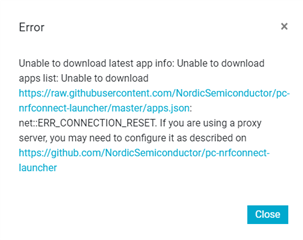
    1- due to the internet connection I have,  nRFconnect is always showing this message on startup on my two pcs (but i think the problem isn't related to, because when nRFconnect was working correctly that message appeared also):

    2- I've tested it on nRFconnect 3.7.0 and other older versions 

Children
No Data
Related