Hello,
I am attempting to create an example project of the Asset Tracker using the NRF9160DK.
I have installed SES using the Toolchain Manager.
I have attempted using the following toolchain versions: 1.6.1, 1.6.0, and 1.4.0 (because 1.4.0 was used in the example here: https://developer.nordicsemi.com/nRF_Connect_SDK/doc/latest/nrf/gs_programming.html#gs-programming).
Note: I am using Windows 10.
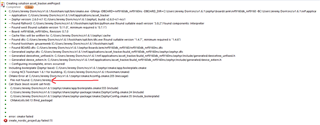
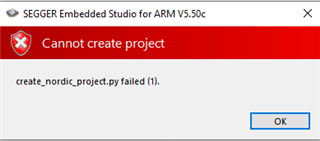
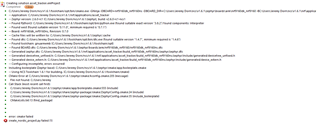
Every time that I try to do the build, I get the following error with the same error log.
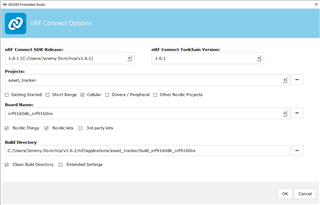
I have included the build setup I used below for the 1.6.1 version. The paths are all default. I have attempted targeting the build directory elsewhere but that seems to have had no effect.
The one oddity that I found that I have in my search for a solution to my problems is that I had to manually define the paths for the executables in the following options screen. Whenever I install or update the SDK using the toolchain manager, the executable fields are blank. The ones that I have chosen are what I saw recommended on a post yesterday but they did not help with my issue.
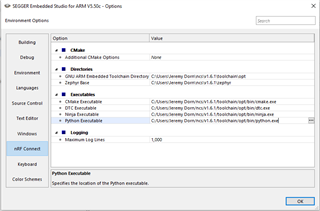
I was able to create, build, and run a brand new project (a simple hello world test), but whenever I try to use the "Open nRF Connect SDK Project" option in the file dropdown menu, no matter the project I try to build I get the same error message and log.
Any assistance would be greatly appreciated.