Hi,
sdk:ncs v1.7.0
example path:D:\ncs\v1.7.0\zephyr\samples\subsys\usb\hid-cdc
board :nrf5340dk_nrf5340
DK:PCA10095
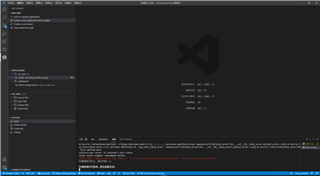
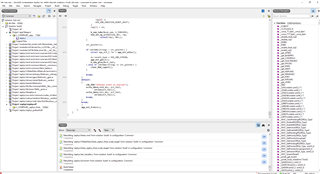
How to solve this problem?
Thank you for all your assistance.
Kind regards,
Peter.Min
Hi
I get the same problem for VS Code, and have contacted our developers about it.
I will return here when I get an answer.
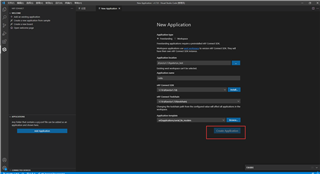
For a temporary fix, you can try to choose another directory for "Application Location", for example "C:\Users\<YOUR_USER>\Documents"
Regards,
Sigurd Hellesvik
Hi
There is an error message below the "Application Location" box: "Existing west workspace can't be selected".
In this case it means that:
nRF Connect for Visual Studio Code does not allow creation of applications inside the ncs folder or any of its subfolders.
Regards,
Sigurd Hellesvik
Hi
There is an error message below the "Application Location" box: "Existing west workspace can't be selected".
In this case it means that:
nRF Connect for Visual Studio Code does not allow creation of applications inside the ncs folder or any of its subfolders.
Regards,
Sigurd Hellesvik