Installing nRF Connect for Desktop

Hi.

Newbie stuck at installing IDE.

Trying to follow the automatic installation developer.nordicsemi.com/.../gs_assistant.html

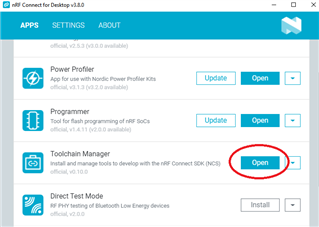
Installed nRF Connect for Desktop v3.8.0 (Windows).

Installed Toolchain Manager v0.10.0

Installed nRF Connect SDK v1.7.1

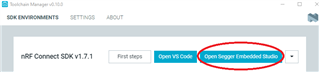
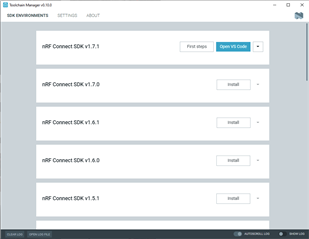
First hurdle, I don't have a "Open Segger Embedded Studio"-button. Only "First Steps" and "Open VS Code".

Getting Started Assistant v2.0.0 says it's deprecated and to use Toolchain Manager.

Any tips/hints?

Parents Reply Children
  • I see this on my desktop if I have deleted or moved the directories in the NCS SDK install folders. Can you please delete the NCS v1.7.1, uninstall TCM, install TCM and install NCS 1.7.1 again.

    The problem is that TCM seems to be confused to think that segger folder does not exist. Something might have triggered this on your install, not sure what. If you still see this problem after above steps, then it is something I need to report to the team and needs full investigation. The above steps suggested atleast worked for me.

Related