Hi Everyone,
I recently purchased an nRF52840 DK (PCA10056, 2.0.1, 2021.7, 68365177) from mouser. Yesterday I successfully installed the nRF Connect for Desktop v3.9 application on my Windows machine. Using the VS Code IDE I successfully ran the blinky example.
I've now turned my attention to installing the nRF Sniffer for Bluetooth LE onto my nRF52840 DK by following the instructions here. Initially I was running into problems at the point where I needed to put the device into bootloader mode but I followed the suggestion here and used the "nrfjprog -e" command. Now when I hold the reset button down while the board is powering up, the board appears in the Windows explorer with the name BOOTLOADER(D:) (see screenshot below).
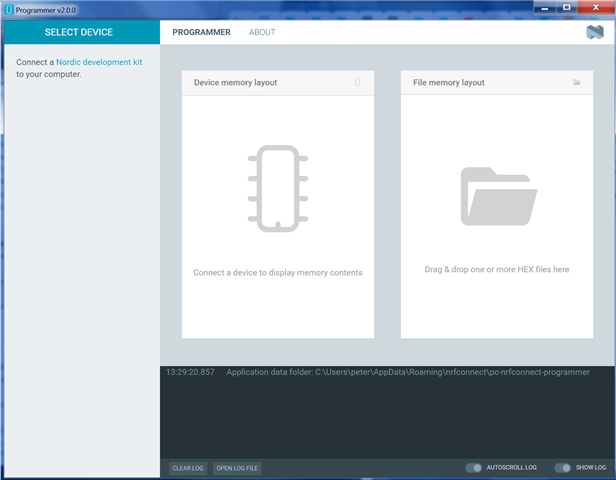
The issue I'm running into is when I start the nRF Connect for Desktop application and open the Programmer, the device doesn't show up under the SELECT DEVICE button. When I click on the SELECT DEVICE I see the message "Connect a Nordic development kit to your computer" (see screenshot below). If the board showed up I would select it and then write the sniffer_nrf52840dk_nrf52840_4.0.0.hex file to it but since the board doesn't show up I'm not able to perform this step.
Any suggestions as to how I can get the board to show up within the Programmer would be appreciated.
Peter