

Hi,
Please fix this bug:The DK device is no longer found after following the following procedure
Problem operation process emerges
windows:
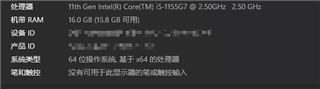
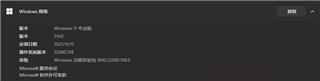
DK:PCA10090 0.9.0 2019.21
nRF9160
1.Reset Windows
2.DK power on
3.open nRF Connect for Desktop v3.9.0->open Programmer v2.0.0
4.click SELECT DEVICE :As shown in the figure below
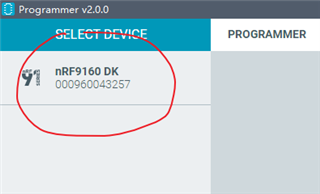
5.DK power off then DK power on:As shown in the figure below
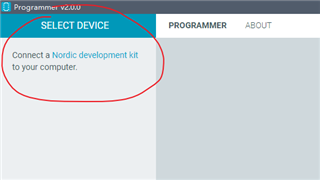
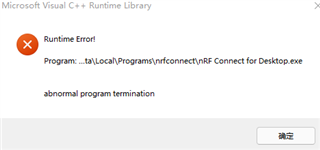
6.The relevant logs are as follows:

7.Switching the DK power supply should show or disappear the DK device in time in Programmer v2.0.0
Thank you for all your assistance.
Kind regards,
Peter.Min
