This discussion has been locked.
You can no longer post new replies to this discussion. If you have a question you can start a new discussion

nRF Connect SDK can,t Add New File

Hi,

nRF Connect SDK 1.7.1,  windows 10 X64

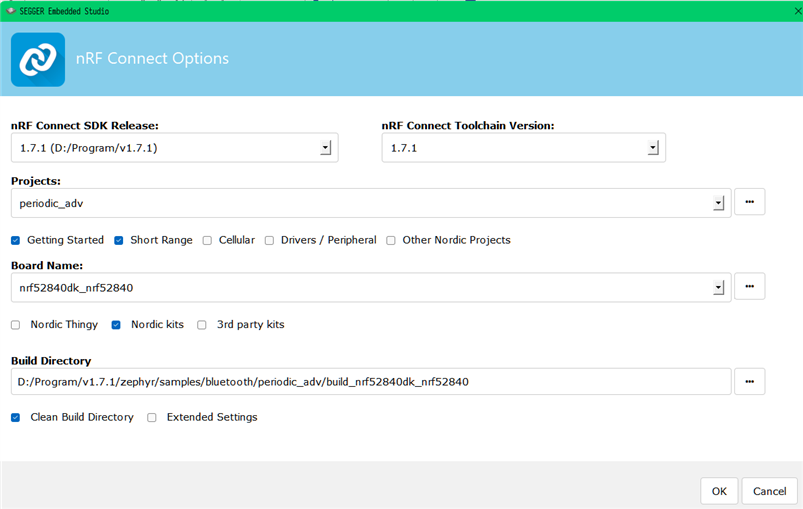
run SEGGER Embedded Studio.cmd  or click segger_embedded_studio IDE menu File->Open nRF Connect SDK Project,

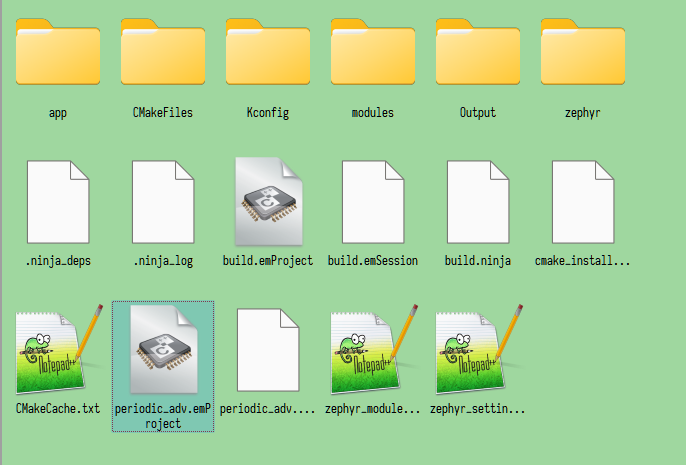
it will be got tow project file (build.emProject  and  periodic_adv.emProject)

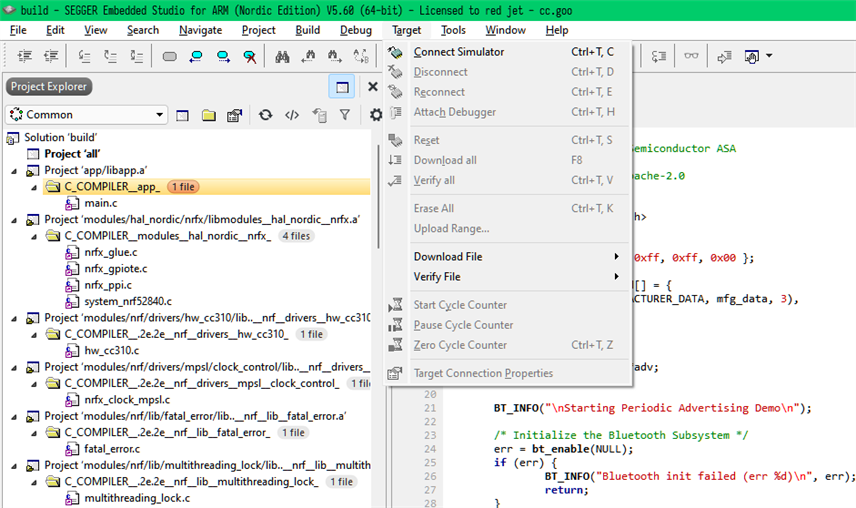
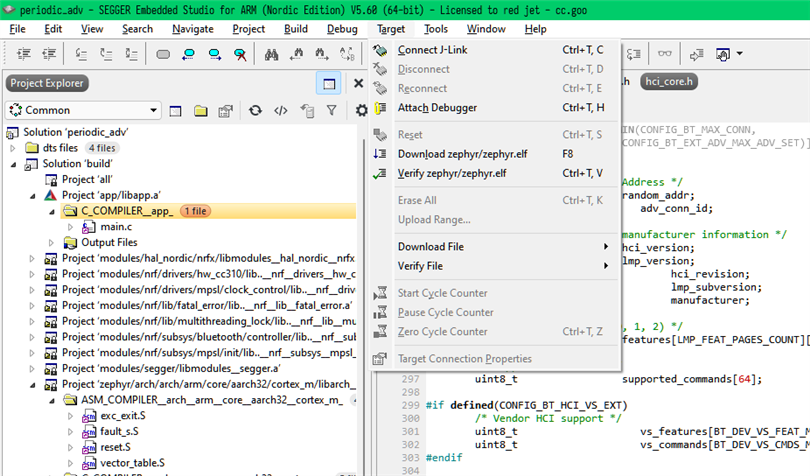
build.emProject                  can Add New File, but can't download;

periodic_adv.emProject     can,t Add New File, but can download;

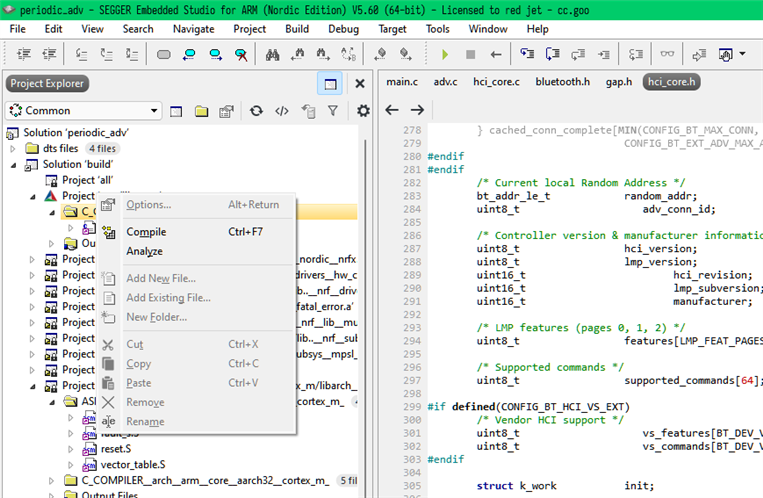
why had tow project file? and  menu[Add New File] and [Add Existing File] show Not available grey?
=====================================================================================================
=================================================================
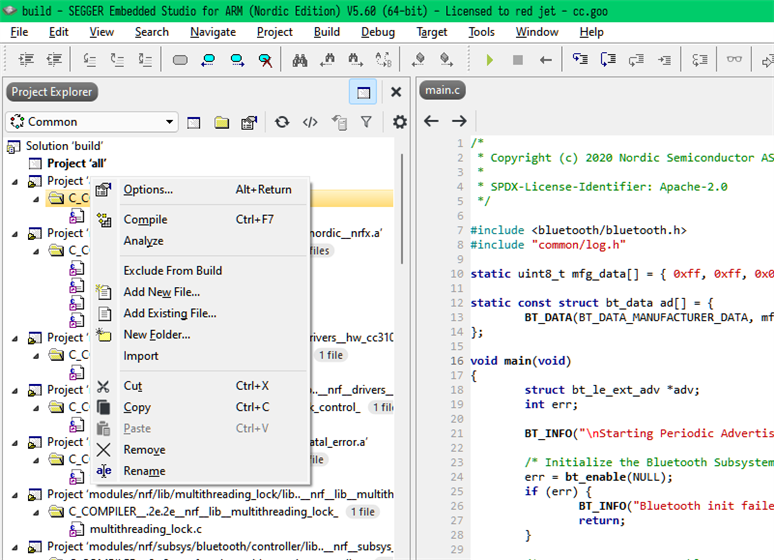
  • i had finded reason of why can'n "Add New File".

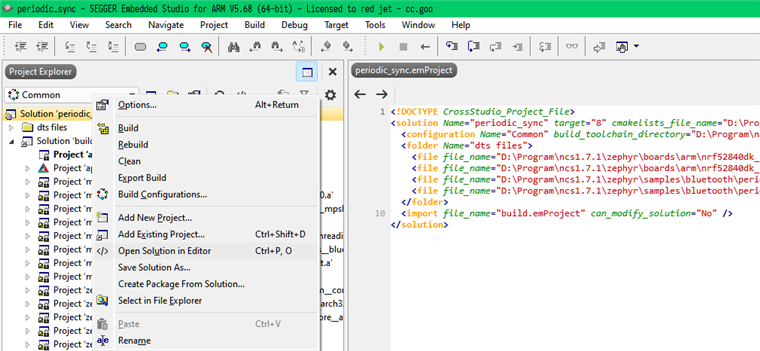
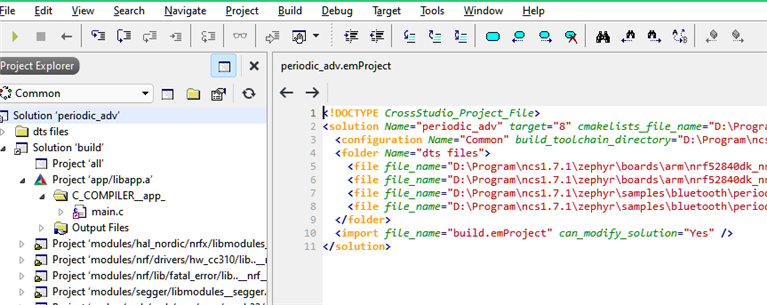
    right click bese Solution, cilck Open Solution in Editor.

    can_modify_solution="No"   change to   can_modify_solution="Yes",Save ReLoad Project..

    why had tow project file? periodic_adv.emProject is Solution,build.emProject  is projects.

    thanks.


  • Hi Yu, 

    Please follow this link if you want to modify/add file to your project: https://developer.nordicsemi.com/nRF_Connect_SDK/doc/latest/nrf/gs_modifying.html

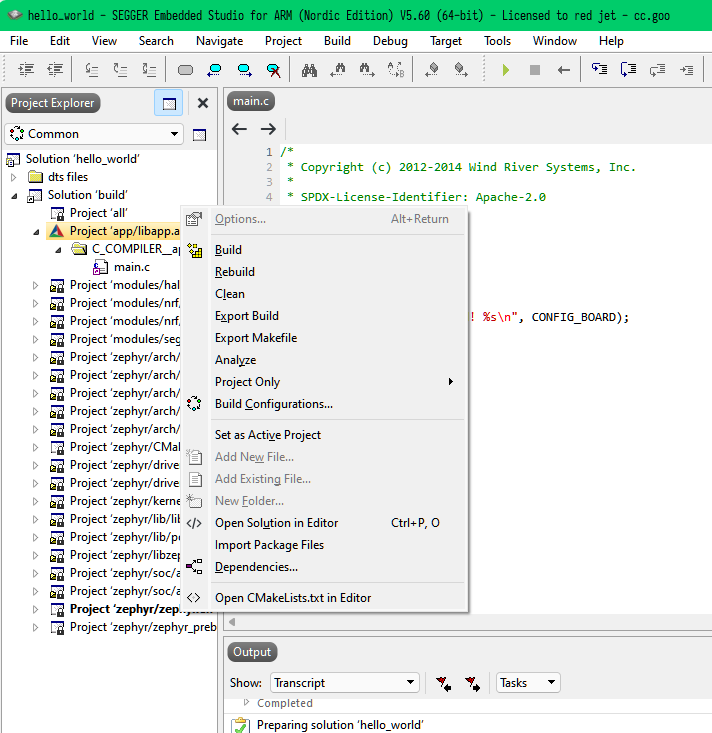
    You should use "Add new file to CMakelists.txt" or "Add existing file to CMakelists.txt" otherwise it wouldn't build properly. 

    Note that this option is only available in the sample inside nrf folder, not the zephyr's default samples. It's explained here

    I tried that option here but got python error, so I would suggest to just edit the CMakelists.txt file to add your own file, the same as the main.c file. 

    Regarding the 2 .emProject, the one you should use is the periodic_adv.emProject.

    Anyway, I would suggest to use Visual Studio Code IDE instead of Segger Embedded Studio. In my opinion it's easy to use and more stable. 

  • thanks a lot,

    can't find Add new file to CMakeLists.txt.

    but i had got it,

    can_modify_solution="No"  change to   can_modify_solution="Yes"

    it will be work well.

Related