nRF52DK disconnect problem

HI I am using nRF52DK as central and peripheral.
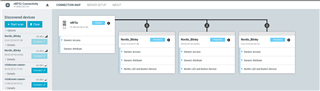
UART example was used in nRF52DK as central, and blinky examples were put in the rest of nRF52DKs to test the connection.
(I am using bluetooth low energy of nRF connect in the program on my computer)

The distance between the central and peripheral was in a straight line, about 3-5 m, so it was not a long distance.

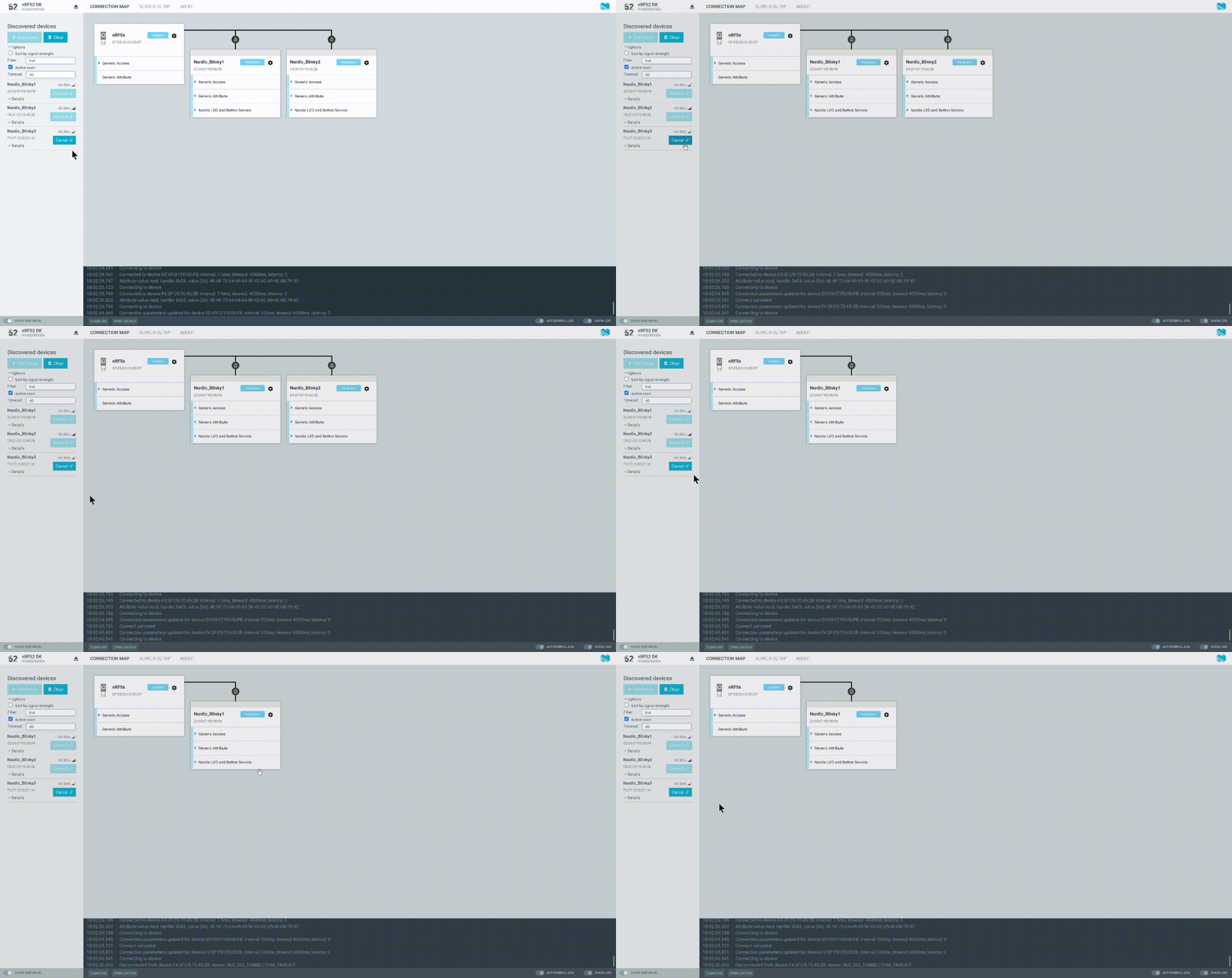
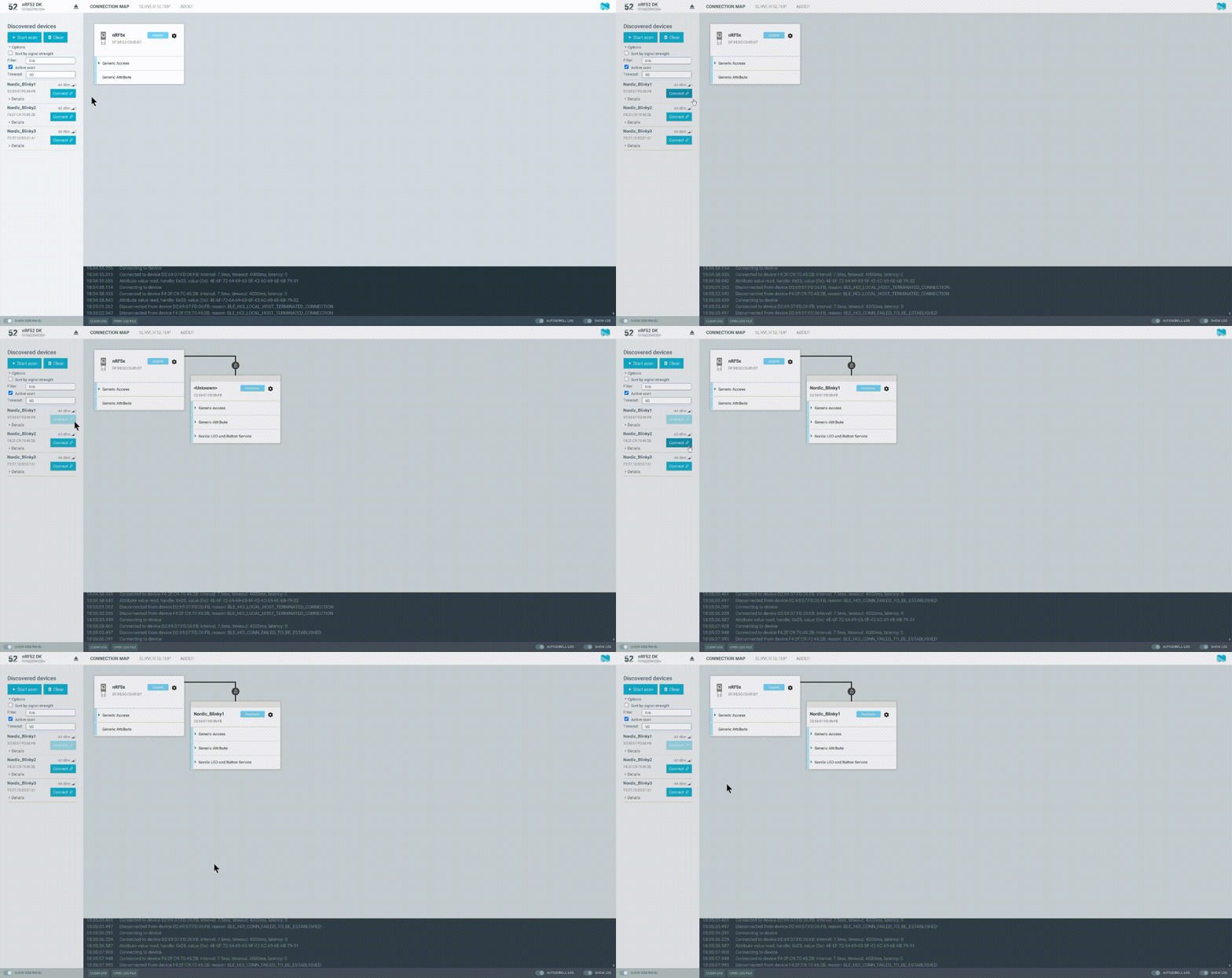
However, when connecting blinky, all blinky devices were disconnected, or an error occurred when connecting was pressed and the connection could not be established.

When the first connection is not possible, reason: BLE_HCI_CONN_FAILED_TO_BE_ESTABLISHED

BLE_HCI_CONNECTION_TIMEOUT occurs when connection is established and disconnected

In the example and nRF52DK, the provided code was used without any modification.

I changed ppm, interval, timeout, NRFX_CLOCK_CONFIG_LF_SRC through search, but the problem was not solved

How can i do?
Parents Reply Children
  • Thanks for your reply

    I tested using the nRF connect mobile app and the connection worked fine without any other issues.

    The problem occurred when using the nRF52 as a central(laptop, desktop).

    I tested the 52840 dongle, other 3rd party products besides the nRF52dk, but the same problem occurred.

    And I checked that it is not a USB mass storage class problem.
    The problem was the same when I switched to another laptop or desktop.

    As an additional test, I tested using the nRF52 as a central and a custom board of nRF51822 as a peripheral.
    As a result, it was more stable than the peripheral connection of nRF52.

    I think the problem is with the connection between the nRF52s.

  • Strange, I have not experienced this before. Could it be that you are in a very noisy environment? The BLE_HCI_CONN_FAILED_TO_BE_ESTABLISHED error can occur more frequently if there are other active scanners within range.

Related