Hello !
I'm currently discovering the VS code extension for nRF Connect SDK and I whish to give some feedbacks of missing / odd features. I hope this is the best place !
I am used to work with Segger Embedded Studio when developing with nordic. So this is basically a "missing features overview" regarding SES.
1) With VS Code, there is no "Code Outline". In fact there is something similar with VS Code "Ctrl + Shift + O" but this is really less clear.
2) When bulding / Flashing, it is never clear if you "rebuild all" or just "build". Same for flashing : you do not have the choice to rebuild or not direclty.
3) When using "Debug" feature (step by step). Every time I lauch a new session, I receive an error message that gdb has failed... But in fact it succeeds ^^
4) Error and warning are strangely erased : I am never sure if messages come from last build or current build
5) Naviguating in files is a mess : when I use "Ctrl + click" on a function or variable, I drop in the correct file but sometimes not to the correct line at all ! Moreover with SES you can "find in files" even for files of the nRF Connect SDK. This does not seem to work the same way with Visual Studio Code.
6) Creating a new project from sample with west workspaces does not work for me : it always fail on one of the repository. And after this point, the VS Code extension just give up.
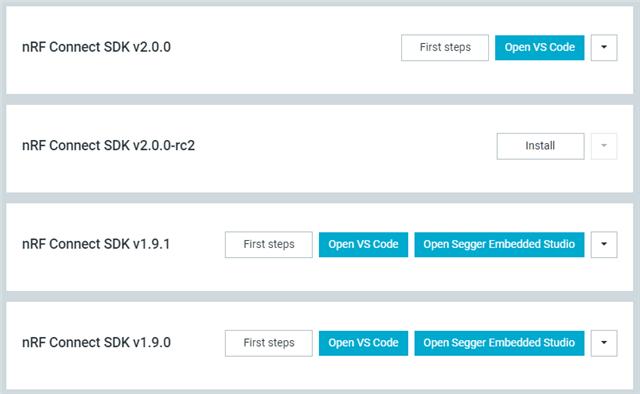
7) I do not understand why nordic is pushing the community so hard on VS Code while it is obivously less clear and misses features that are already here with SES (even if it is not perfect).
I guess some of these points are a misunderstanding of VS Code or the extension but I hope these are useful feedbacks ! 
Best regards !