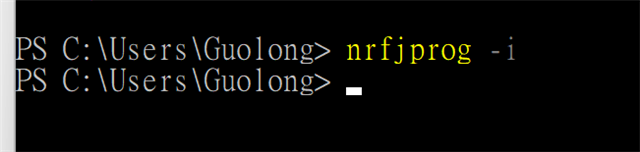
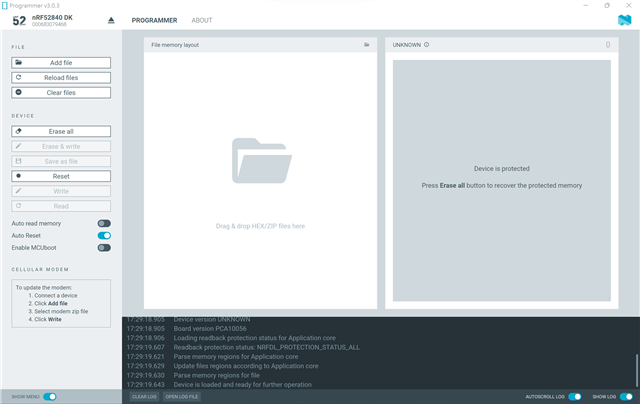
Program application using nRF Connect Programmer

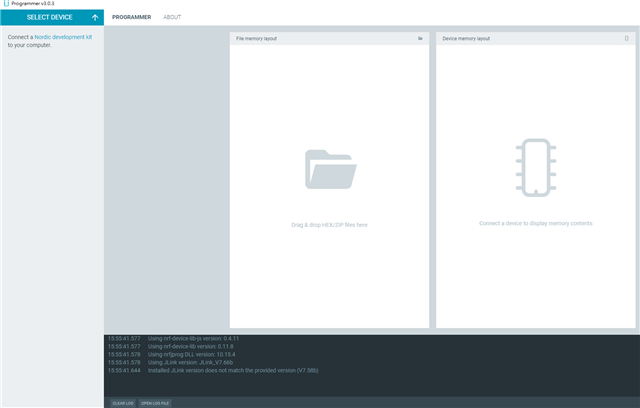
I followed this page in the section "Program application using nRF Connect Programmer", and tried to program my nRF5280 Dongle in Windows.

Like below, then I clicked "Write".
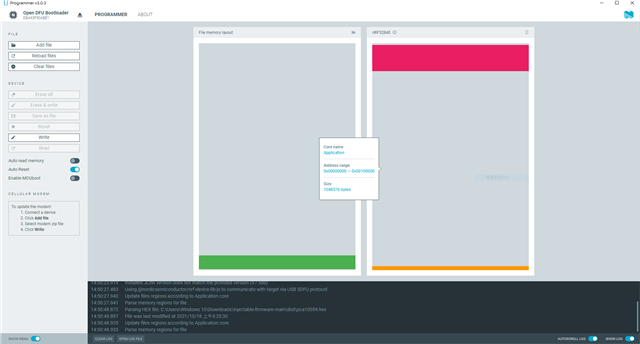
The message shows the following error, so I tried to write again.
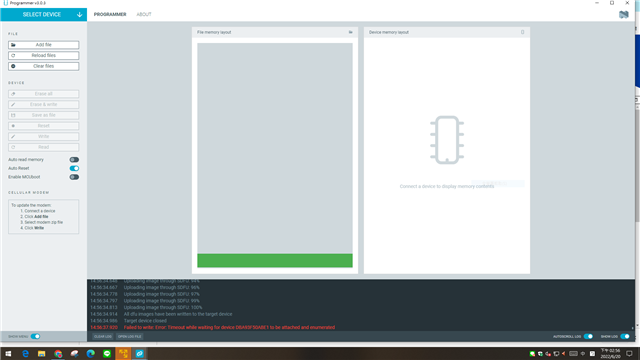
the second time, the Programmer app cannot find my nRF52840 Dongle. And the red LED on nRF52840 Dongle disappeared. So I clicked the RESET button on the dongle, but it couldn't work.  I don't know how to write again on nRF52840 Dongle.
Parents Reply
  • So if you need to program the dongle, 

    1. You can press the white button and make the dongle enter bootloader mode, which is only possible if you have a bootloader firmware on the dongle. And my guess is that when you tried to write again, you erased this firmware on the dongle. (this firmware is usually the pink box in your first screenshot), which is why pressing the white button won't take you to bootloader mode and you cannot program.

    2. Another way to program the Dongle is connecting it to an external debugger (I used the debugger on the nRF52840 DK, you can use any debugger of your choice). This debugger will be detected by the Programmer App and you can proceed to programming.

    -Priyanka

Children
Related