nRFConnect v3.11.1 Toolchain Manager fail on MacOS

Hi,

I have just updated to nRF v3.11.1 on my Mac and "Toolchain Manager" is now failing to load, all the other apps seem to run correctly.
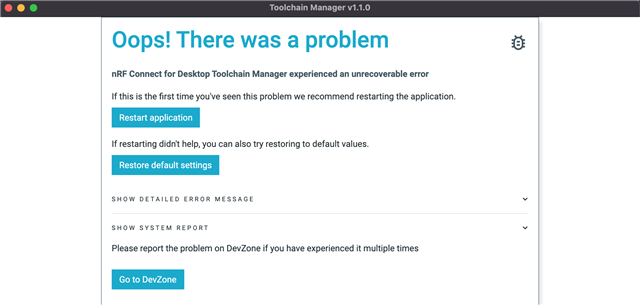
I have restarted the app and also tried to Restore the default but no luck.

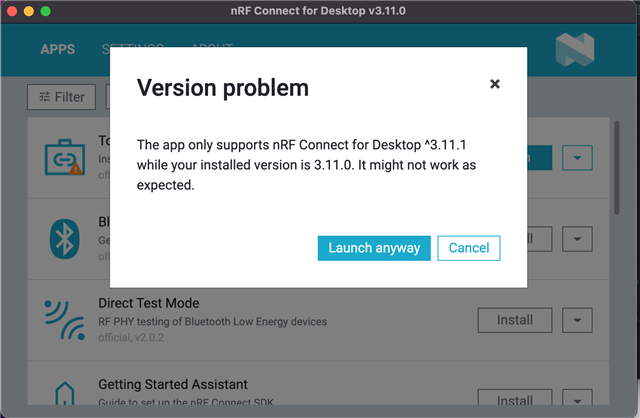
I have also tried to go back to V3.11.0 but is says that the Toolchain manager only work with v3.11.1
Here is the system report

# nRFConnect System Report - 2022-07-02T08-25-16.550Z

- System:     Apple Inc. MacBookPro11,5
- BIOS:       Apple Inc. 430.120.6.0.0
- CPU:        1 x Intel Core™ i7-4980HQ 2.8 GHz 8 cores (4 physical)
- Memory:     676 MB free of 16 GB total
- Filesystem: /dev/disk1s5s1 (APFS) 465.7 GB 17.0% used

- OS:         macOS (12.4) darwin x64

- Versions
    - kernel: 21.5.0
    - git: 2.24.3
    - node: 14.16.0
    - python: 
    - python3: 3.8.2
    - nrf-device-lib-js: 0.4.11
    - nrf-device-lib: 0.11.8
    - nrfjprog DLL: 10.15.4
    - JLink: JLink_V6.44e

- Connected devices:

Thanks,

Rod

  • Hi Rod,

    I did a quick test on an M1 air, everything seems fine.

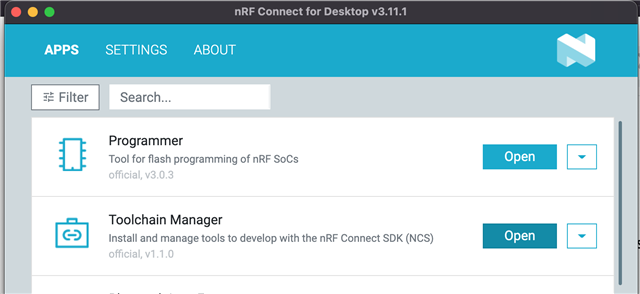
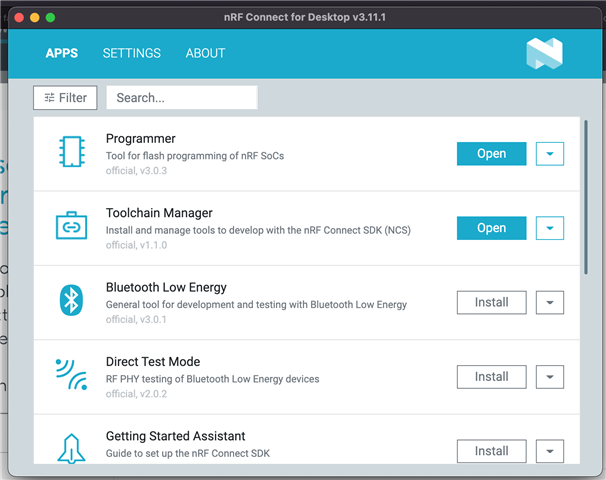
    Can you see the Toolchain Manager version is v1.1.0 on the nRF Connect for Desktop APPS open page?

    Did you try to complete delete nRF Connect for Desktop and redo reinstallation?

    Best regards,

    Charlie

  • Hi Charlie,

    yes, its vs 1.1.0

    Yes, I did a complete uninstall and then reinstalled but what seemed weird, was it remembered that I had previously installed the "Programmer" and the "Toolchain Manager"

    So, I uninstalled them both individually before uninstalling the Desktop manager and reinstalling.

    Still seeing the same error when I try to run the Toolchain manager.

    Rod

  • Hi Rod,

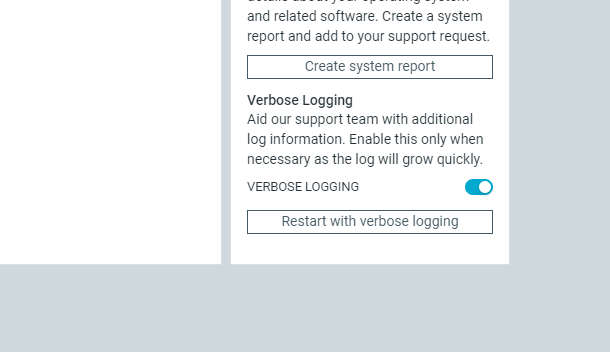
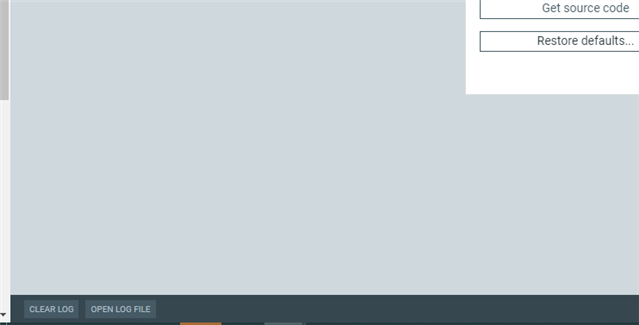
    Are you able to enable VERBOSE LOGGING and get a LOG FILE with OPEN LOG FILE?

    Best regards,

    Charlie

  • Sorry Charlie,

    Where do i turn this on? I count find it in the menu.

    I did manage to capture this on the details error file.

    Rod

    Cannot read property 'version' of undefined
    TypeError: Cannot read property 'version' of undefined
        at Object.d [as sendErrorReport] (/Users/Watt/.nrfconnect-apps/node_modules/pc-nrfconnect-toolchain-manager/dist/bundle.js:12:68590)
        at /Users/Watt/.nrfconnect-apps/node_modules/pc-nrfconnect-toolchain-manager/dist/bundle.js:18:35863
        at e.default (/Users/Watt/.nrfconnect-apps/node_modules/pc-nrfconnect-toolchain-manager/dist/bundle.js:18:35944)
        at N (/Users/Watt/.nrfconnect-apps/node_modules/pc-nrfconnect-toolchain-manager/dist/bundle.js:45:141300)
        at /Users/Watt/.nrfconnect-apps/node_modules/pc-nrfconnect-toolchain-manager/dist/bundle.js:45:140087
        at is (file:///Applications/nRF%20Connect%20for%20Desktop.app/Contents/Resources/app.asar/dist/app-bundle.js:41:83208)
        at gl (file:///Applications/nRF%20Connect%20for%20Desktop.app/Contents/Resources/app.asar/dist/app-bundle.js:41:102287)
        at t.unstable_runWithPriority (file:///Applications/nRF%20Connect%20for%20Desktop.app/Contents/Resources/app.asar/dist/app-bundle.js:49:3844)
        at Bi (file:///Applications/nRF%20Connect%20for%20Desktop.app/Contents/Resources/app.asar/dist/app-bundle.js:41:45023)
        at ml (file:///Applications/nRF%20Connect%20for%20Desktop.app/Contents/Resources/app.asar/dist/app-bundle.js:41:102046)

  • Hi Rod,

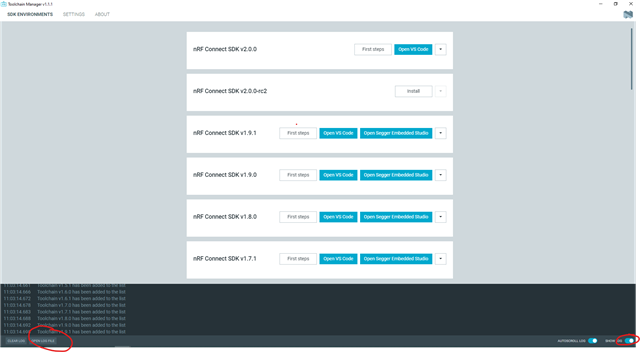
    The screenshot shows where the OPEN FILE button. Maybe you are not able to see this page due to this issue, but what you have shared is very useful, I will do further analysis.

    By the way, we just have a small update for Toolchain Manager from version v1.1.0 to v1.1.1. Can you confirm you still have the same issue?

    Best regards,

    Charlie

Related