Unable to install NCS 2.1.0

Hello, 

I want to install NCS 2.1.0, but I get the following problem.

I used toolchain manager 1.2.0 to install NCS 2.1.0. Open VS Code is now available.
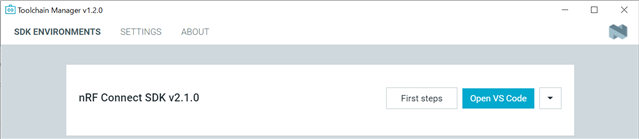
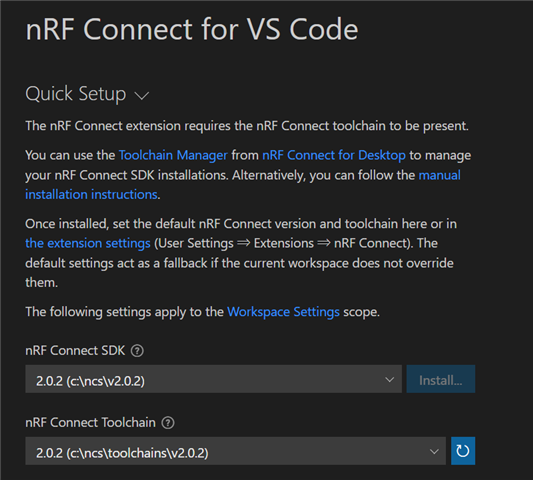
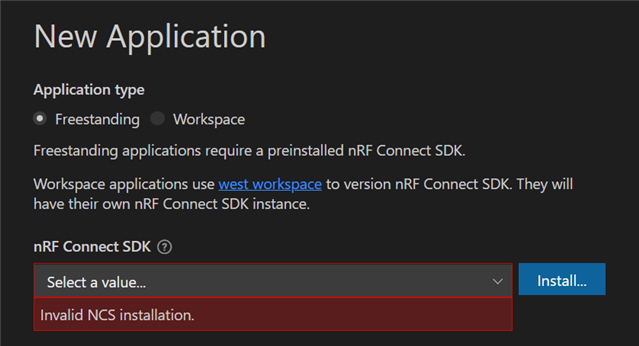
I opened VS Code and tried to install the sample code, but it says "Invalid NCS installation".
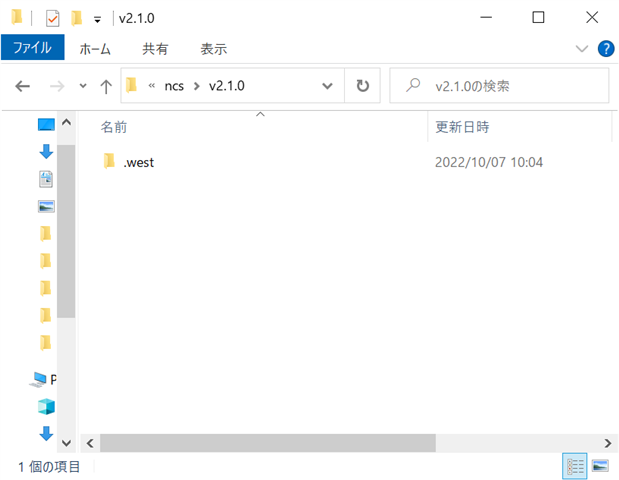
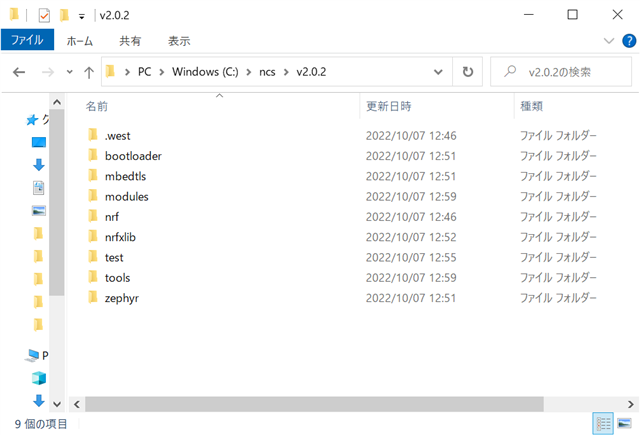
Looking at the folder, there is only .west.
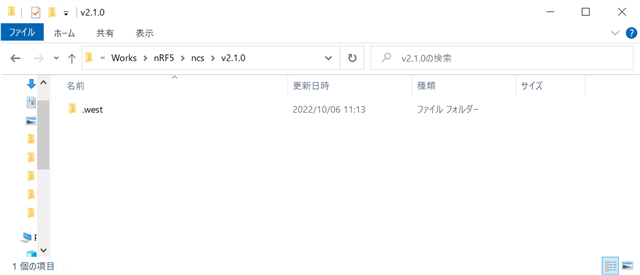
I downloaded the sdk-nrf-2.1.0.zip from GitHub and copied all the files into the folder, but nothing changed.

Release nRF Connect SDK v2.1.0 · nrfconnect/sdk-nrf · GitHub

How can I resolve this issue?

Regards, 

Gotoda

Parents Reply Children
  • This is the release notes for the nRF Connect SDK v2.1.0. You can also see the change log there.

    I will inquire internally regarding this issue and get back to you.

    -Priyanka

  • Hi,

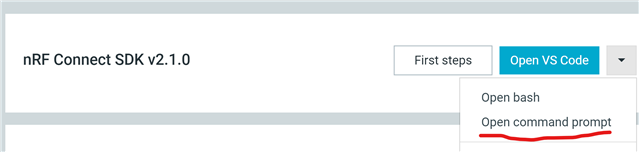
    Could you try to open VS Code from a terminal? Open a terminal using the "Open command prompt" and type code . This will open VS Code. There is a suspected bug when launching VS Code from Toolchain Manager.

    If not, in case you are using a VPN, this could delay the download of the files. If so, you could try to disable the VPN and then install again.

    Or else, try this. After you have manually downloaded all the files into the folder, you could try to click the "Update SDK" and "Update Toolchain" from inside the Toolchain Manager and see if this works. Or you could open a terminal from the ncs folder and do west update.

    Please do let me know which option works.

    -Priyanka

  • Hi, 

    Launching VS Code from the terminal did not change the situation.

    "Update SDK" and "Update Toolchain" after manual download had no effect.

    By the way, when I suspected the proxy and executed the following command, I was able to install it successfully.

    $ git config --global http.proxy http://proxy.example.com:8080
    $ git config --global --unset http.proxy
    $ git -c http.proxy="" pull

    Thank you.

    Gotoda

Related