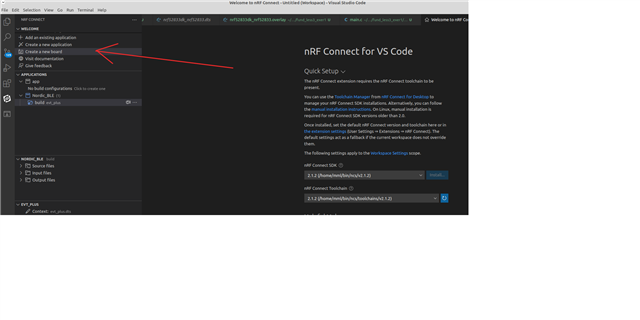
My team is developing for an nrf52840 on a custom design pre-production PCBA. Up till now we have been using nrf52840dk_nrf52840 in the"Board" field of the "Add Build Configuration" dialog with a nrf52840dk_nrf52840.overlay file to override the DK configuration to match that of our custom PCBA. Since this is a custom board of our own design we want to "divorce" for using the DK configurations with an overaly and write a clean configuration for our board. This article seems to provide instructions for doing so (under the "Custom Board, Devicetree and SOC Definitions" sub heading). Problem is there is no way enter a custom PCBA name in the "Board" field of the "Add Build Configuration" dialog, one can only select DKs from the dropdown. We have been using the nRF Connect extension in VSCODE to develop and build our project, so we need to be able to make a build configuration for our custom board and not the DK. How do we make a build configuration in nRF Connect that targets our custom PCBA?