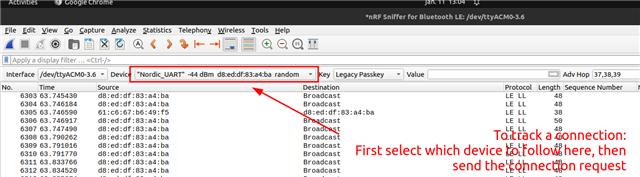
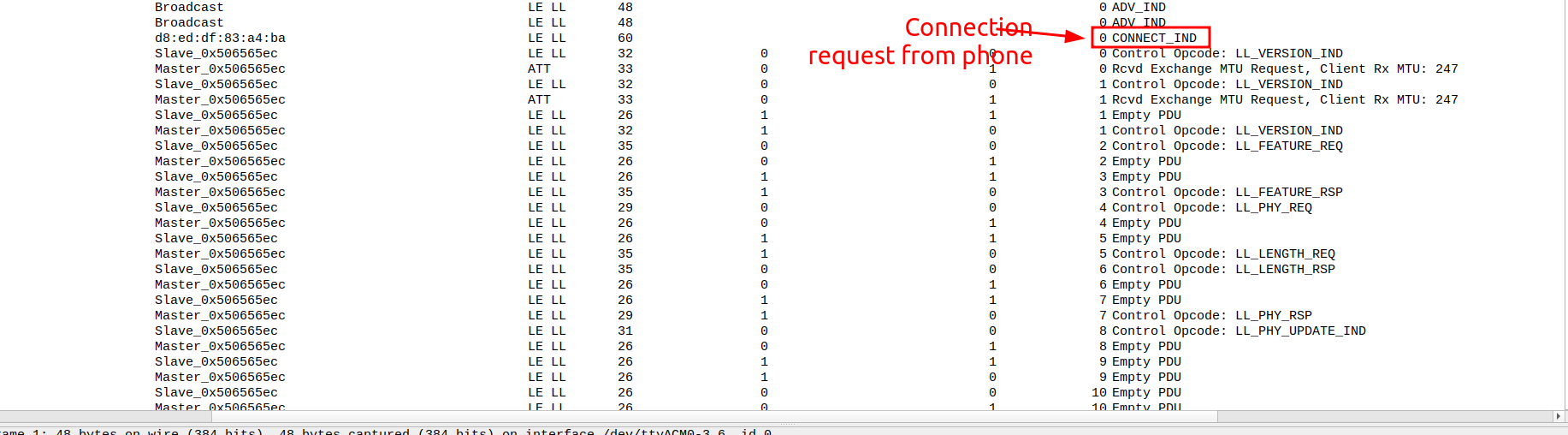
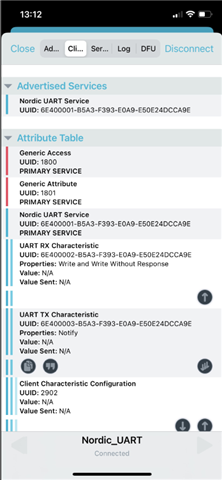
Having followed the instructions, found out by accident (not in the instructions) that wireshark in sudo mode functions, when normal mode hangs apparently to do with permissions I can now see advertising packets. If I connect with nRF connect from the android app (the iphone app is a wash out, no idea how it is supposed to work but appears to do nothing) I see the android app connecting and finding the characteristics. but when I send a packet I see nothing at all on wireshark though the packet HAS arrived at the device because it reacted correctly. I cant see any packets at all for iphone whether using nRF or a custom program though the device is reacting so they are happening. I dont see any packets from our app on android either.
What confuses me is that there is a drop down for 'key' once I have told it to follow my device but I have no idea what the fields mean and I havent filled in value anyway so I would assume they are non operational.
The documentation for set up is perhaps a little incomplete, the documentation for use is clearly not complete enough for a person of my skill (40 years of software engineering, 20 years plus of comms, several times using wireshark for ethernet and having written bluetooth code for among others symbian though I admit only this project on low energy).
Can someone help me understand why I am getting advertising packets and a gatt check but nothing else at all on my traces? I dont even care if the packet is decoded - I just want to see it.