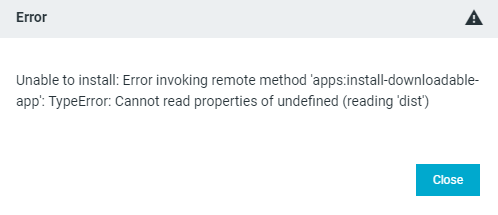
When I click the install button on any application in the setup program I get this error - my internet is fine, not sure what to try next?
I'm on Windows 10
When I click the install button on any application in the setup program I get this error - my internet is fine, not sure what to try next?

I'm on Windows 10
I tried installing nRF Connector for Desktop v3.12.0 which then does successfully install Power Profiler but then there's this error:
Hi,
Can you please update your nRF Connect for Desktop by:
1) opening the application
2) click on settings
3) click on "check for updates"
You may optionally select "check for updates at startup" as well.
After updating, please check "About" to confirm the version.
Regards,
Naeem
It worked, thanks!
