

I am evaluating a thingy:91 for an asset tracker project, so far a fantastic device. I followed the getting started guide and different online videos.
I have never been able to see my device in the nrfcloud platform. I configured the SIM card that came with the device, but my thingy:91 never showed up to finish the setup process. At the device side, the LEDs did not turn yellow as expected, and if I finish my device configuration manually at the cloud side I get the following error message:
There was an error adding your device: The ownership code is invalid for this device. Troubleshoot nRF Code 40102
Following the error code it is clear that my thingy:91 never provisioned, probably because there is a poor LTE/NB_IOT coverage at my desk.
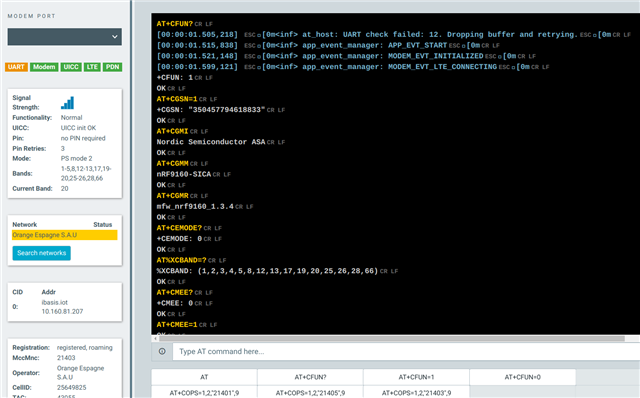
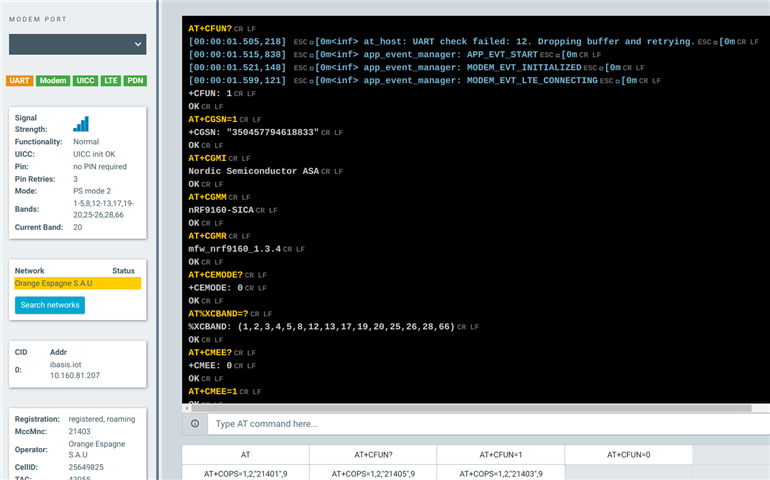
However I opened the LTE Link Monitor App and realized that the device gets a good connection. All Modem/UICC/LTE/PDN indicators turns green as expected, and here are part of the the logs I am getting:
At the beginning:
At the end:
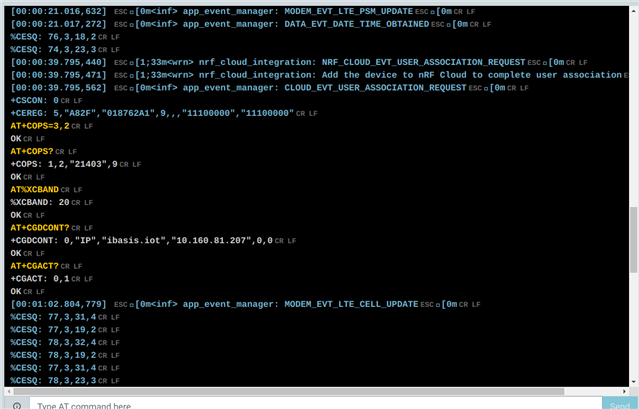
Therefore I have concluded that I probably miss-configured my SIM Card/DeviceID, so I double-checked the configuration and it is correct.
I am stuck provisioning my Thingy:91 in nrfclud. Can you please help me to link my device toi nrfcloud?
