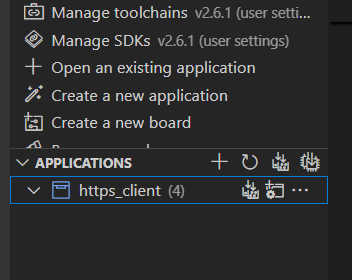
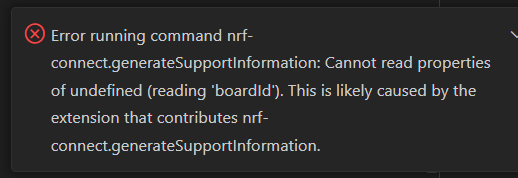
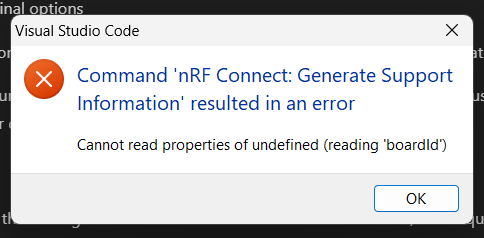
I get this pop-up when using Command Palette to generate the support information. Are you aware of what may cause this?
Project directory structure is C:\MJ\NCSv2.6.1\https_client.
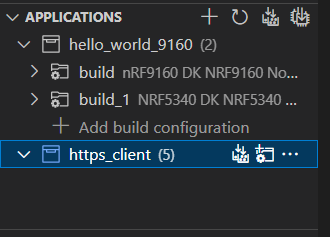
If I open another sample with multiple builds in the same directory, C:\MJ\NCSv2.6.1\hello_world_9160, it is displayed correctly in VS Code:
I feel at this point it may be better for me to try and reproduce this again. Though if you have information regarding the pop-up error when trying to generate support information from command palette then that may shed some light for me in the future.
According to VS Code team, boardid error could come from the use of stable release. Please try to reproduce the behavior using pre-release version of the extension and make sure that you do not have nested directories. You could also try to open https_client sample in a separate VS Code window.
According to VS Code team, boardid error could come from the use of stable release. Please try to reproduce the behavior using pre-release version of the extension and make sure that you do not have nested directories. You could also try to open https_client sample in a separate VS Code window.