Hi there,
I am able to access associated documentation under
Found a sample application available here
https://github.com/nrfconnect/sdk-nrf/tree/main/samples/bluetooth/direct_test_mode
I am able to create a local copy under VS Code using nRF Connect
I am also able to compile it successfully for a 52840DK target, using the default
+ prj.conf
+ app.overlay
+ nrf52840dk_nrf52840 (from under the boards folder); this was critical to resolve linking issues related to _TIMER3
+ by default, it seems to use the Kconfig file
I am also able to flash it into an nRF52840-DK board
Last I am able to connect to it from "nRF Connect Desktop / Direct Test Mode" PC application, version 2.4.1
One of the issues I was dealing with
Re: missing debug traces from the devkit DTM application
has subsided
Realized afterwards that those debug message was routed to RTT, so I was able to capture them with a J-Link RTT Viewer
I do have further questions on the DTM application...
Here is the first one:
1-How to enable/disable specific configurations
For example how to make sure
is enabled
but
is disabled
2-Second question:
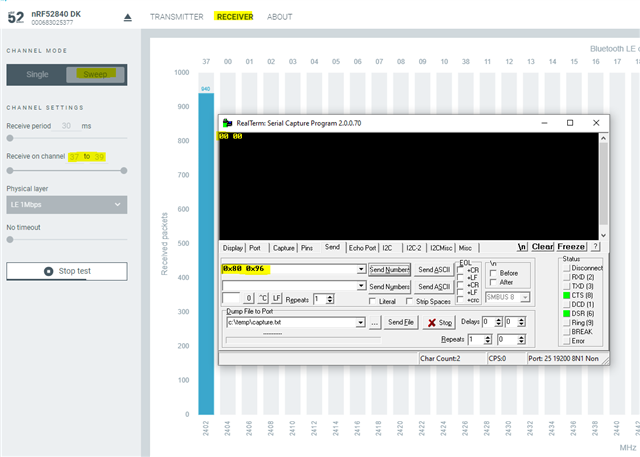
From the "nRF Connect Desktop / Direct Test Mode" PC application,
how long do I need to wait for a test to complete once it is started using the "Start Test" button
More questions later...
Thank you