The "Flash" action from the nRF Connect for VS Code has stopped working.

Hi,

I just reinstalled a fresh version of VS Code 1.96.2, and I'm using v2024.12.55 of the nRF Connect for VS Code extension. I'm also using nRF SDK v2.1.1.

In the past couple months, my "Flash" action has stopped working. I get this error.

However, if I use the "Start New Terminal in the sources of this build" and put "west flash -d c:\repos\master\src\top\mission_mode\build --skip-rebuild --dev-id 52005670", then it works.
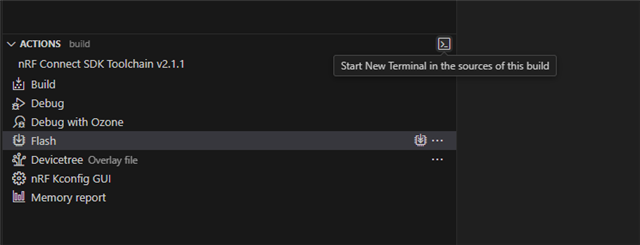

I'm not sure why this has stopped working, but I suspect that it was an update to nRF Connect for VS Code.

Parents Reply
  • Hi again,

    We suspect some "incorrect" clone of the v2.1.1. SDK. Something to try:

    Make sure when the manifest is changed, west update is done. 

    If that doesn't help, then we would like you to check:

    1. the contents of C:\ncs\v2.1.1\zephyr\scripts\west_commands
    2. a confirmation that the PATH and ZEPHYR_BASE points to the correct toolchain and SDK in the terminal that he opens by "Start New Terminal in the sources of this build".

    Kenneth

Children
Related