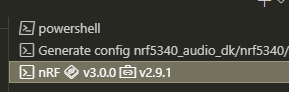
How to switch SDK version when opening nrf connect command line in vscode
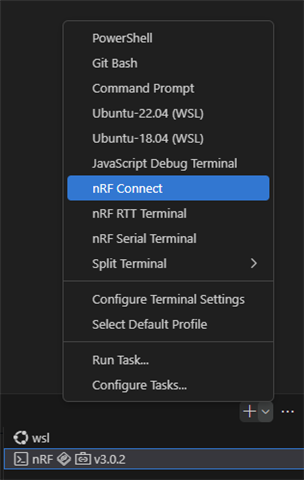
When I click here, it always opens v3.0.2
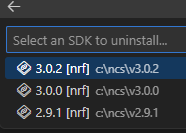
I have three versions installed
How to switch SDK version when opening nrf connect command line in vscode
When I click here, it always opens v3.0.2

I have three versions installed

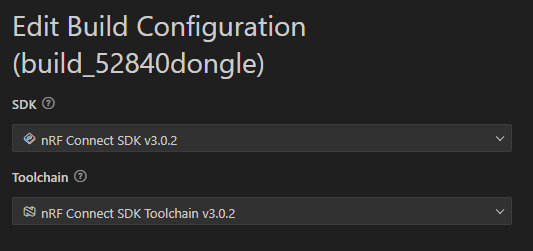
I selected it in the build configuration

Hi,
I was able to reproduce the issue. This happens because the workspace might initially be selected for another sample.
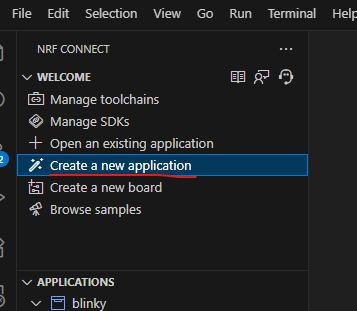
You can try to first create a new workspace with the proper SDK and Toolchain. For that, you can try:

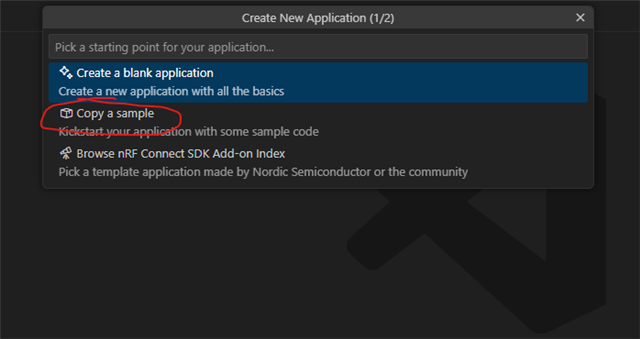
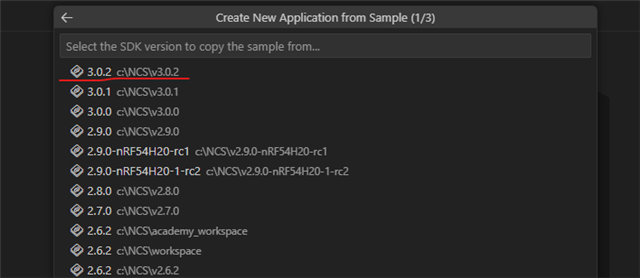
Then you can copy a sample, followed by selecting your required SDK and Toolchain version:


Then select the sample and location to which it should be created to. After that then your workspace should be the required one.
Please do try this.
-Priyanka
I opened an empty VS Code, selected SDK v3.0.0 to create a project, and then selected toolchain v2.9.1 to compile. When I opened nRF Connect, it was v3.0.0 v2.9.1.