

I have been working with MBN52832DK in Vscode . The sample examples i have tested is "Hello world", "bluetooth/peripheral_uart" ,"peripheral lbs".I have been able to connect Bluetooth to my iPhone , i was also able to make the led on and off , blinky code was also working fine . My issue is I cant see printk or printf anywhere not in any terminal. I used Hercules(external serial port terminal) I have connected a TTL to my board still i am not able to see the output . What am i doing wrong ? i havnt changed a single line of code in the sample example code so u can refer any of the latest sample example codes i have mentioned earlier . I will attach some screenshots below for your reference
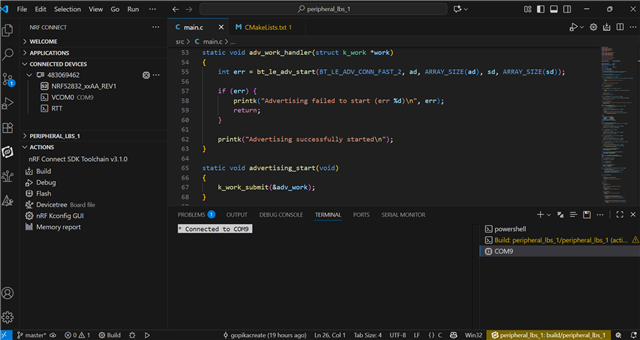
This is the 1 warning message i got while i was running the "peripheral lbs" sample example
[{
"resource": "/d:/v3.1.0/zephyr/CMakeLists.txt",
"owner": "nrf-connect",
"severity": 4,
"message": "CMake Warning at D:/v3.1.0/zephyr/CMakeLists.txt:2232 (message):",
"source": "cmake",
"startLineNumber": 2232,
"startColumn": 1,
"endLineNumber": 2232,
"endColumn": 2147483647
}]
And also in "bluetooth/peripheral_uart" i tried sending and receiving data using the nrf Toolbox app in my iPhone nothing is happening .

