Hint: "self: import: submanifests": file not found

Whenever I open my workspace or build in VS Code, the Output tab of the bottom pane opens to nRF Connect output where it repeats this many times:

[west]: FATAL ERROR: can't load west manifest: Malformed manifest data
[west]: Schema file: /home/rmulder/ncs/toolchains/b2ecd2435d/usr/local/lib/python3.12/site-packages/west/manifest-schema.yml
[west]: Hint: "self: import: submanifests": file not found

[west]: exited with code 1.

How can I debug this? Which manifest file is it referring to?

Parents Reply
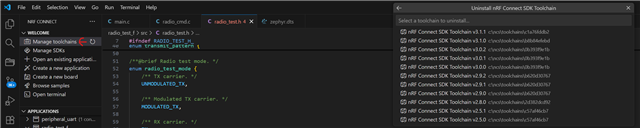
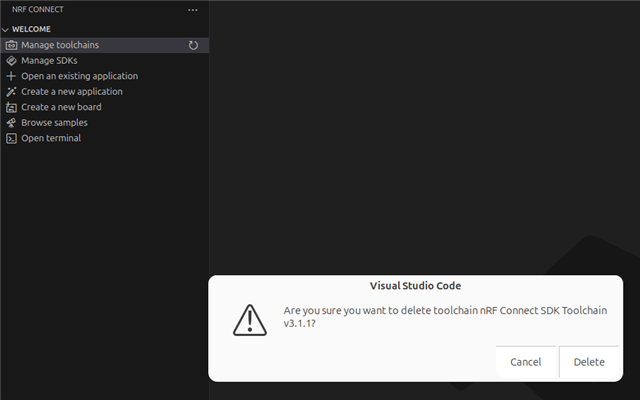
  • I'm trying to use toolchain 3.1.1 and SDK v3.1-branch

    $ nrfutil toolchain-manager list
      Version  Toolchain
    * v3.1.1   /home/rmulder/ncs/toolchains/b2ecd2435d
    

    $ ls /home/rmulder/ncs/toolchains
    b2ecd2435d  toolchains.json
    
    $ cat /home/rmulder/ncs/toolchains/toolchains.json 
    [
      {
        "default_toolchain": {
          "ncs_version": "v3.1.1"
        },
        "schema": 1,
        "toolchains": [
          {
            "identifier": {
              "bundle_id": "b2ecd2435d"
            },
            "ncs_versions": [
              "v3.1.1"
            ]
          }
        ]
      }
    ]
    

    $ cat west.yml 
    manifest:
      projects:
        - name: nrf
          url: https://github.com/nrfconnect/sdk-nrf.git
          revision: v3.1-branch
          import: true
          clone-depth: 1
    ...

Children
Related