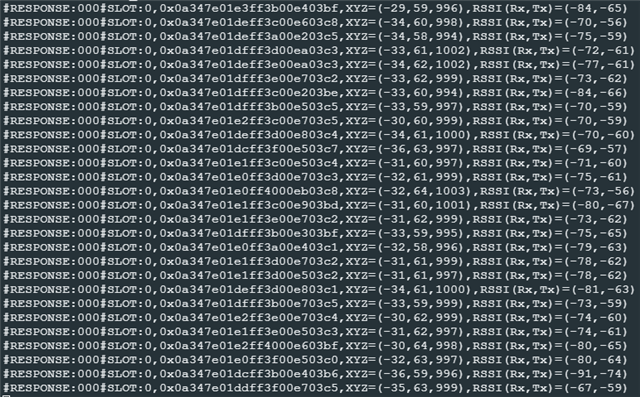
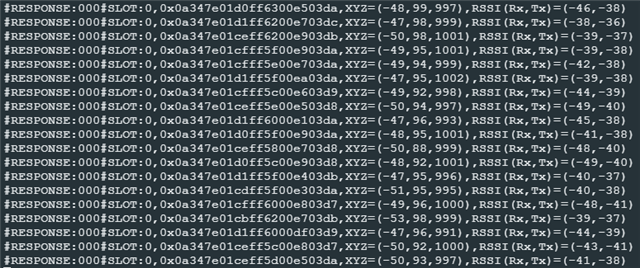
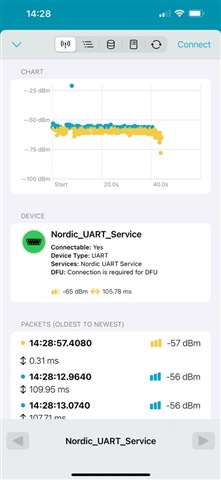
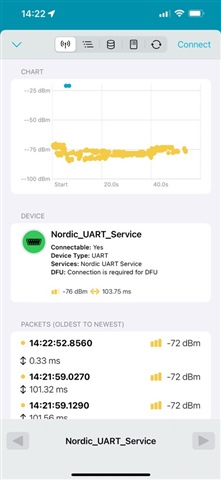
I am experimenting with the Nordic ESL sample application. The central_esl app is running on a nRF5340DK. I would like to add the nRF21540EK to this to improve the range. I have been following the suggestions here: Using nrf5340dk with the nrf21540 EK - Nordic Q&A - Nordic DevZone - Nordic DevZone. Specifically, I have added the following to the build configuration:
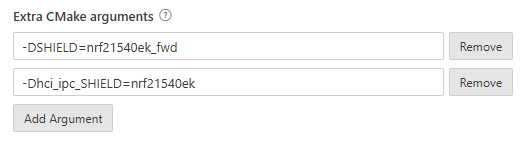
However, the ESL sample application uses an older version of the SDK (v2.5.0) than in the linked post and, although the application builds successfully and I can run it, the nRF21540EK does not seem to be getting enabled.
I can see that 'nrf21540ek_fwd.overlay' is being added to the parent image but there is no overlay added to the hci_rpmsg child image, and there are no references to the default MPSL FEM settings in the output .conf file for the hci_rpmsg child image as there were in the linked post.
I've tried using '-Dhci_rpmsg_SHIELD=nrf21540ek' instead because I think SDK v2.5.0 pre-dates the name change from hci_rpmsg to hci_ipc, but that didn't work either.
How do I go about enabling the nrf21540?
Thanks
Scott