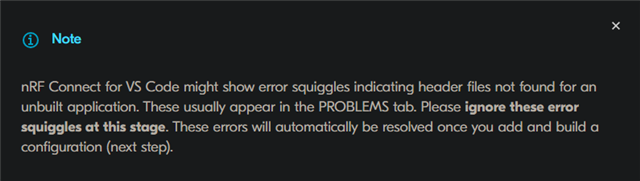
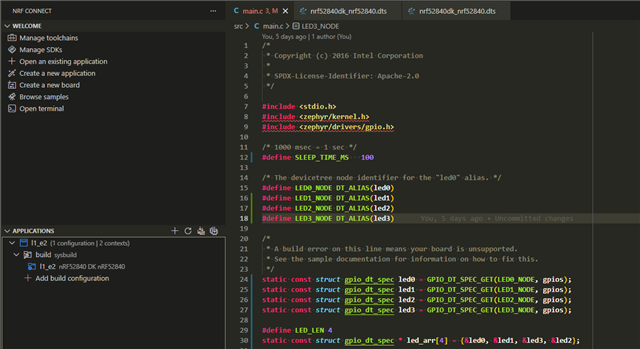
I'm following the dev academy lessons and I'm having a bit of an issue where VS Code intellisense isn't picking up on the include paths from zephyr (e.g. #include <zephyr/kernel.h>). I'm using v3.1.1 of the SDK/toolchain. The lesson says that these errors should go away after generating/building, but they aren't going away. I am able to compile just fine, so the build system is pulling in the files during compilation.
I looked through other posts on the forum and they mention a compile_commands.json, but I don't see that being generated and I'm not sure if that's relevant.
Any help is appreciated! It's very useful to be able to look through included header files, so it's a feature I'd like to be able to use, rather than needing to manually navigate to the SDK folder.