

Hello,
We are also having trouble installing any SDK into the VS Code Ext Pack, for development on the nRF54L15-DK. Have tried each SDK from 3.0.0 to 3.2.1 without success. Trying to follow the step-by-step is completely impossible. Examples do not match my VS Code screen at all. Totally confused about the prerequisites, order of steps, compatibility issues. Too many web sites say different things.
[08:55:38] nrfutil-sdk-manager install v3.2.1 --sdk-path c:\ncs\v3.2.1 --type nrf: Install toolchain v3.2.1
[08:55:38] nrfutil-sdk-manager install v3.2.1 --sdk-path c:\ncs\v3.2.1 --type nrf: Compatible toolchain found in C:\ncs\toolchains\66cdf9b75e: success
[08:55:38] nrfutil-sdk-manager install v3.2.1 --sdk-path c:\ncs\v3.2.1 --type nrf: Download SDK v3.2.1
[10:06:14] nrfutil-sdk-manager install v3.2.1 --sdk-path c:\ncs\v3.2.1 --type nrf: Download SDK v3.2.1
[west]: exited with code -4058.
Also tried to execute west update with this result:
PS C:\ncs\v3.1.1> west update
Error: no west.main in C:\ncs\v3.1.1\.west\west
Error: no west.main in C:\ncs\v3.1.1\.west\west
Steve


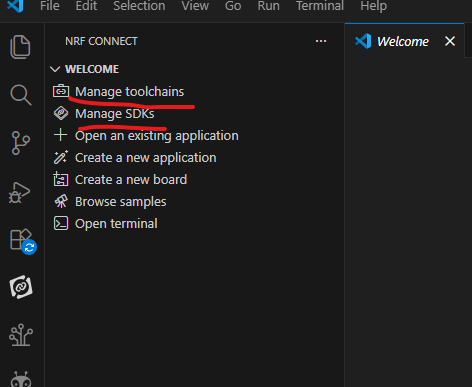 say for eg,